


Stay on Track, No Internet Needed
Capture lectures, pull key points, build notes — all running locally on your Mac. Never miss a beat even when the network drops.
Meetings, lectures, interviews, documents and videos — transcribed and analyzed on your Mac. Free, no meeting bot, nothing uploaded.

Local AI needs macOS 26.4 or later, Apple silicon (M1 or later) and Apple Intelligence turned on for your language and region.
Recording, transcription and summaries run on your Mac's own chip. Nothing uploads, so nothing waits for a signal.
Capture lectures, pull key points, build notes — all running locally on your Mac. Never miss a beat even when the network drops.


Local AI handles note and file summaries — all right on your Mac. No uploads, no waiting, just keep working smooth with Local AI at 30,000 feet.


Unstable or no internet? Work still happens. Record and summarize meetings instantly right on your device. No lag, nothing stops the flow.
Any Of Inputs — Recordings, Text, Files, Or Links.
System Audio And Your Mic — A Zoom Call, A Lecture Hall, An Interview, A Voice Memo.
Local Transcription, No Meeting BotType It, Paste It, Or Dictate It Straight Into A Note And Let HyNote Structure The Rest.
Text, Notes, TranscriptsDrop In A Folder Of Client Documents, Audio Files Or Images And Get Them Read And Sorted.
Docs, Audio, ImagesA Two-Hour YouTube Talk, A Webpage, A File URL. Analyzed Without Watching All Of It.
YouTube, Webpages, File URLsRecording, transcription, speaker labels and Local AI summaries all run on device — for calls, lectures, documents and imported audio alike. Switch to HyNote Cloud only when a file is too long or too big.

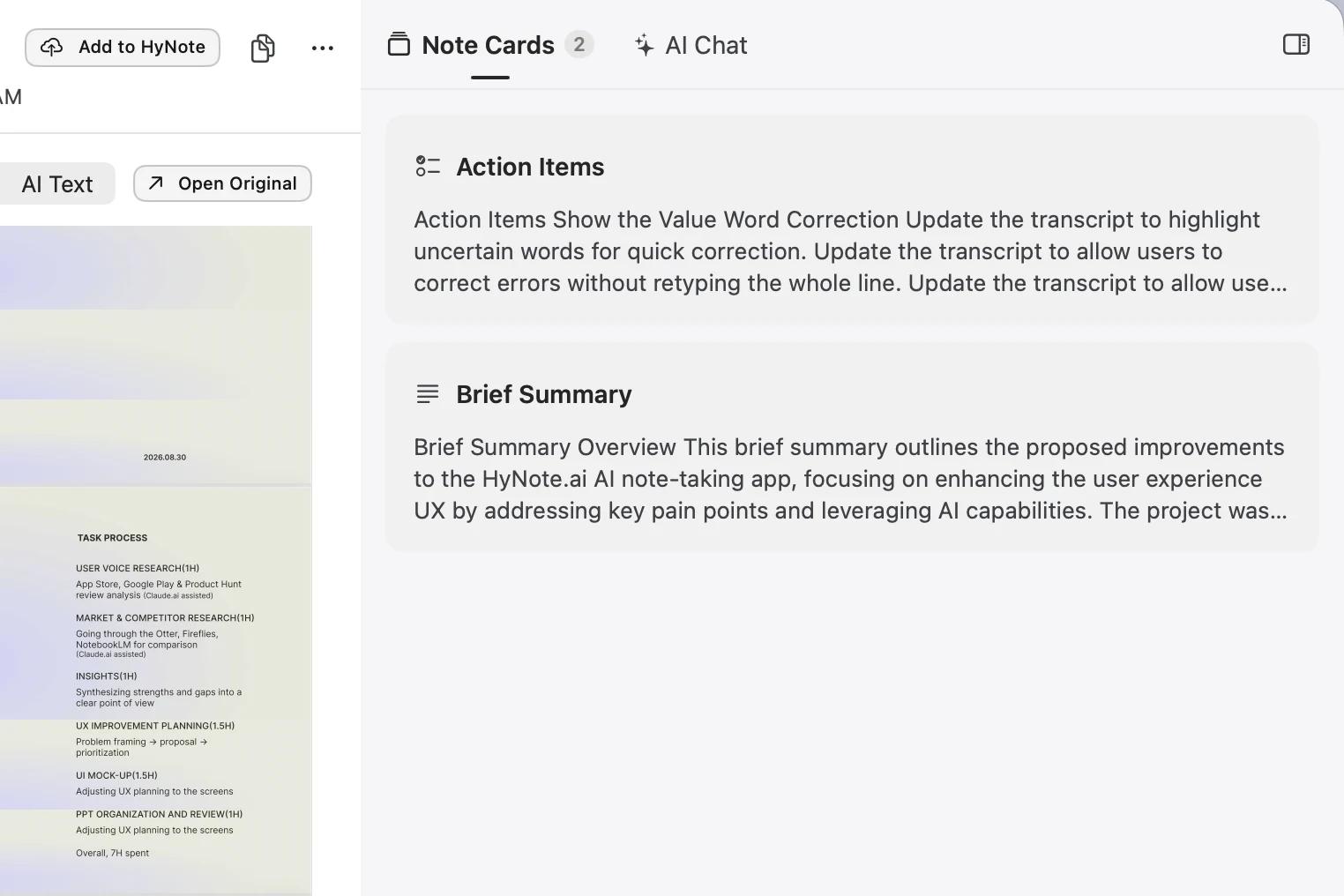
Turn what was discussed into clear next steps.
Jump back by speaker and time.
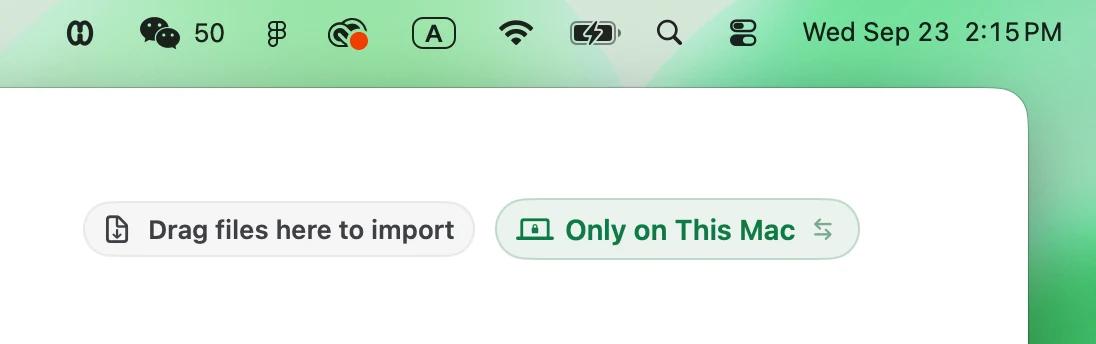
Stays on this Mac
0 KBLocal AI needs macOS 26.4 or later, Apple silicon (M1 or later)
and Apple Intelligence turned on for your language and region.
Thirty-two minutes of your morning. None of it spent writing notes. A lecture or an interview runs the same way.
 9:00
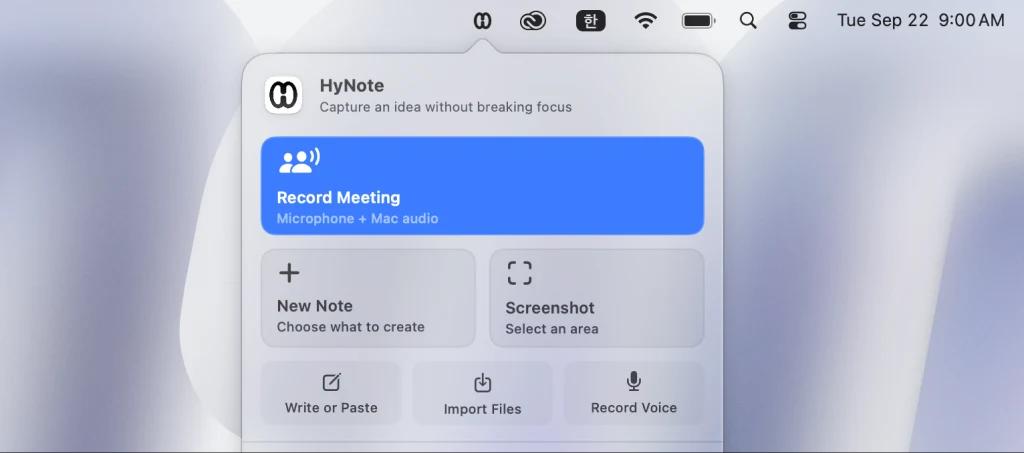
9:00No setup. No bot to invite. No link to paste. Press record and you're in. Three seconds.
 9:20
9:20It captures system audio and your mic the whole way through — decisions, owners, dates.
9:30Copy the summary into the thread and it's sent. Move on to the next thing on your list.
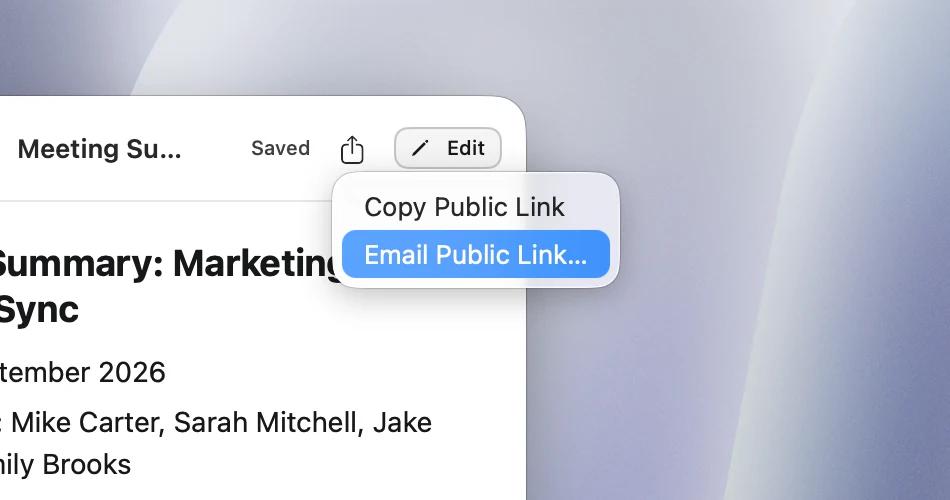 9:31
9:31Copy the link or send it straight from HyNote. Move on to the next thing on your list.
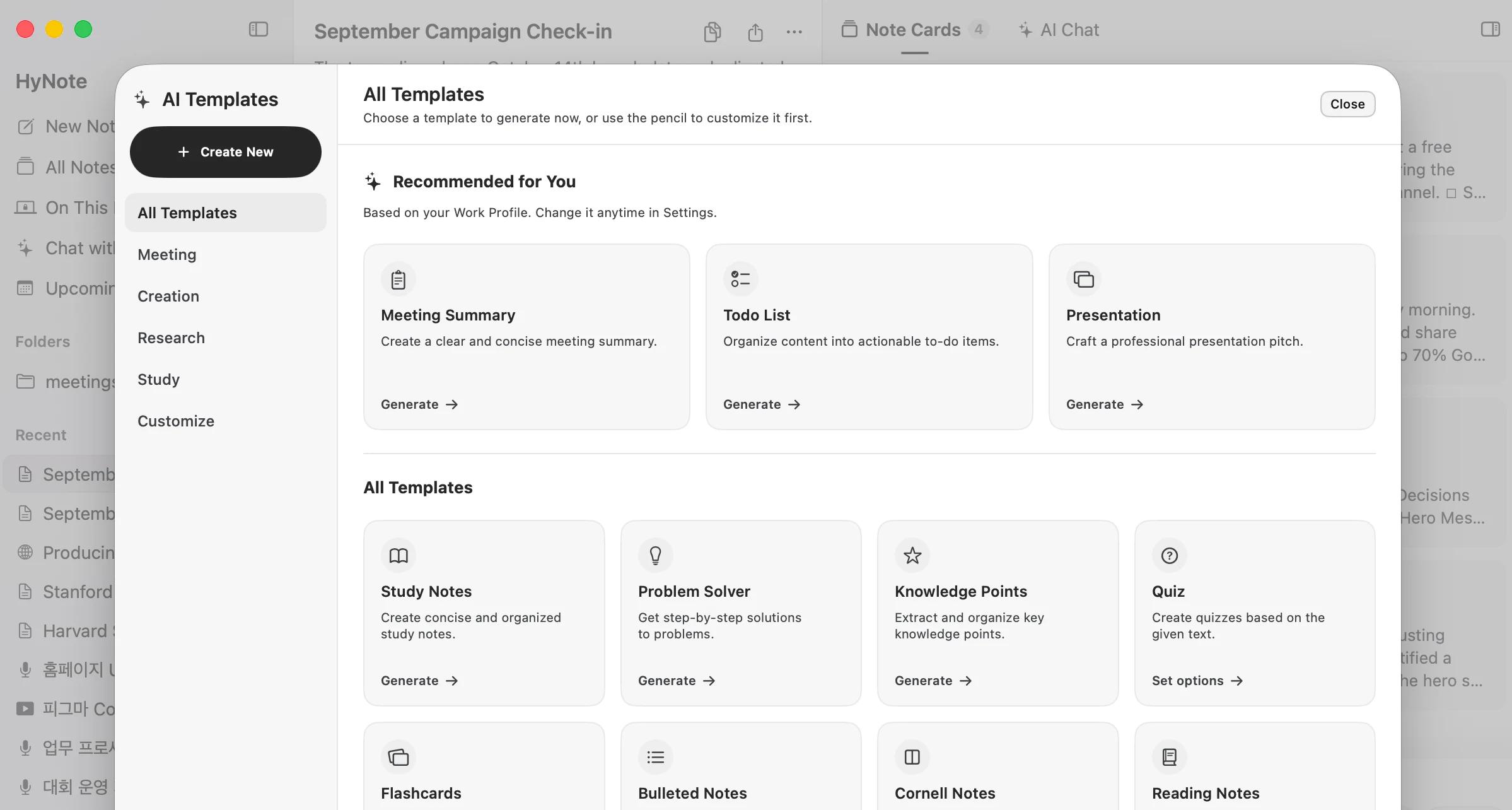
HyNote is more than a meeting recorder. It connects your calendar, questions, reusable templates, and long-term meeting memory in one workflow.
Zoom, Meet or Teams opens and you haven't started? HyNote nudges you, with one click to record.
During or after a meeting, ask about decisions, owners, customer objections, and themes across meetings.
A client call, a research folder or a lecture becomes slides you can edit — instead of rebuilding the same content by hand.
Pick what you started with. See what you can leave with.
“I can finally focus on listening instead of worrying about missing something while chasing my notes.”App Store review
 ZOOM
ZOOM Google Meet
 Microsoft TeamsBrowser tabs
 YouTube
 PDFsAudio Files
 Any Mac app
Free + optional paid features
The core workflow your Mac can run locally stays free. Consider Online AI only when you need longer context, larger files, or more complex analysis.
Still curious? Read the Mac user guide or check languages and availability.
Yes. Recording and on-device transcription are free on supported configurations. Local AI is also free on compatible Apple silicon Macs. Online AI is an optional upgrade for longer transcripts, larger files, and more complex requests.
No. HyNote captures system audio and your microphone directly from your Mac, so no bot appears in the participant list and you do not need to invite a guest to record.
The HyNote app requires macOS 14 or later and supports Apple silicon and Intel Macs. Local AI requires macOS 26.4 or later, an M1 or newer Apple silicon Mac, and Apple Intelligence enabled and available for your language and region.
Local AI runs on a compatible Mac and does not use Online AI credits. Online AI is designed for longer transcripts, larger files, and more complex analysis, and is available as an optional upgrade.
Yes. HyNote can distinguish and identify speakers by voice, clearly label who said what, and extract key decisions, owners, due dates, and action items. Availability depends on your device, system, language, and selected AI mode.
Record on Mac, then turn the conversation into answers, follow-ups, and development tasks.
See how it works →
Let HyNote take this one. Setup takes under a minute.
 Note-taking is available