
Record meetings and more
Capture system audio and your microphone for calls, lectures, interviews and voice memos.
Free recording · No meeting bot
Record meetings, lectures and interviews for free, with unlimited recording time and on-device transcription. In local mode, your recordings stay on your Mac.
Record conversations, follow live transcripts and create useful notes — free on your Mac.
Built on Apple's speech recognition and Apple Intelligence, so there are no large AI models to download. Works best on Apple silicon.
Capture system audio and your microphone for calls, lectures, interviews and voice memos.
Free recording · No meeting botFollow a searchable transcript as you record, with speech processed directly on your Mac.
Free · On device · Best on Apple siliconSeparate speakers after recording and name them. HyNote suggests the name next time.
Beta · Apple siliconTurn transcripts into clear summaries, decisions and action items with Local AI.
Free · Needs M1+ & macOS 26.4The free Mac app has no recording-minute cap. Record meetings, lectures and interviews for as long as you need.


Record the full class and revisit it with a searchable, on-device transcript.


Record while you travel or work offline, and turn long conversations into useful notes.


Record long client calls and interviews without a monthly recording-minute allowance. Choose when to start and stop.
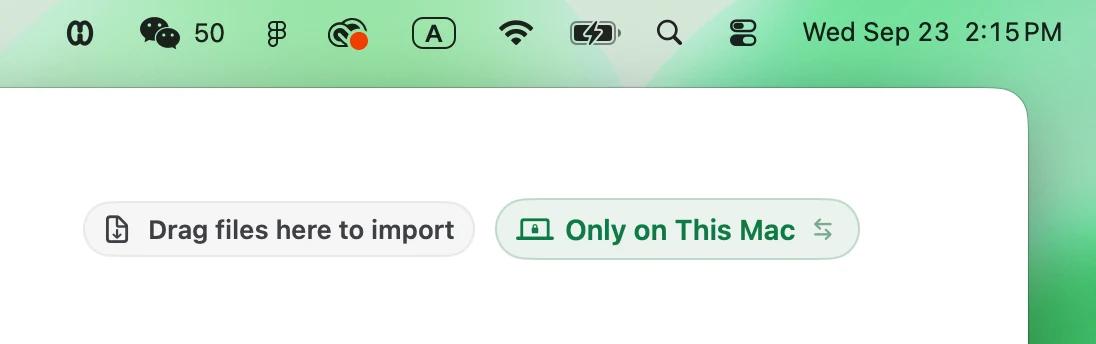
Pick On This Mac before you record. The recording, transcript and AI notes stay on this Mac.

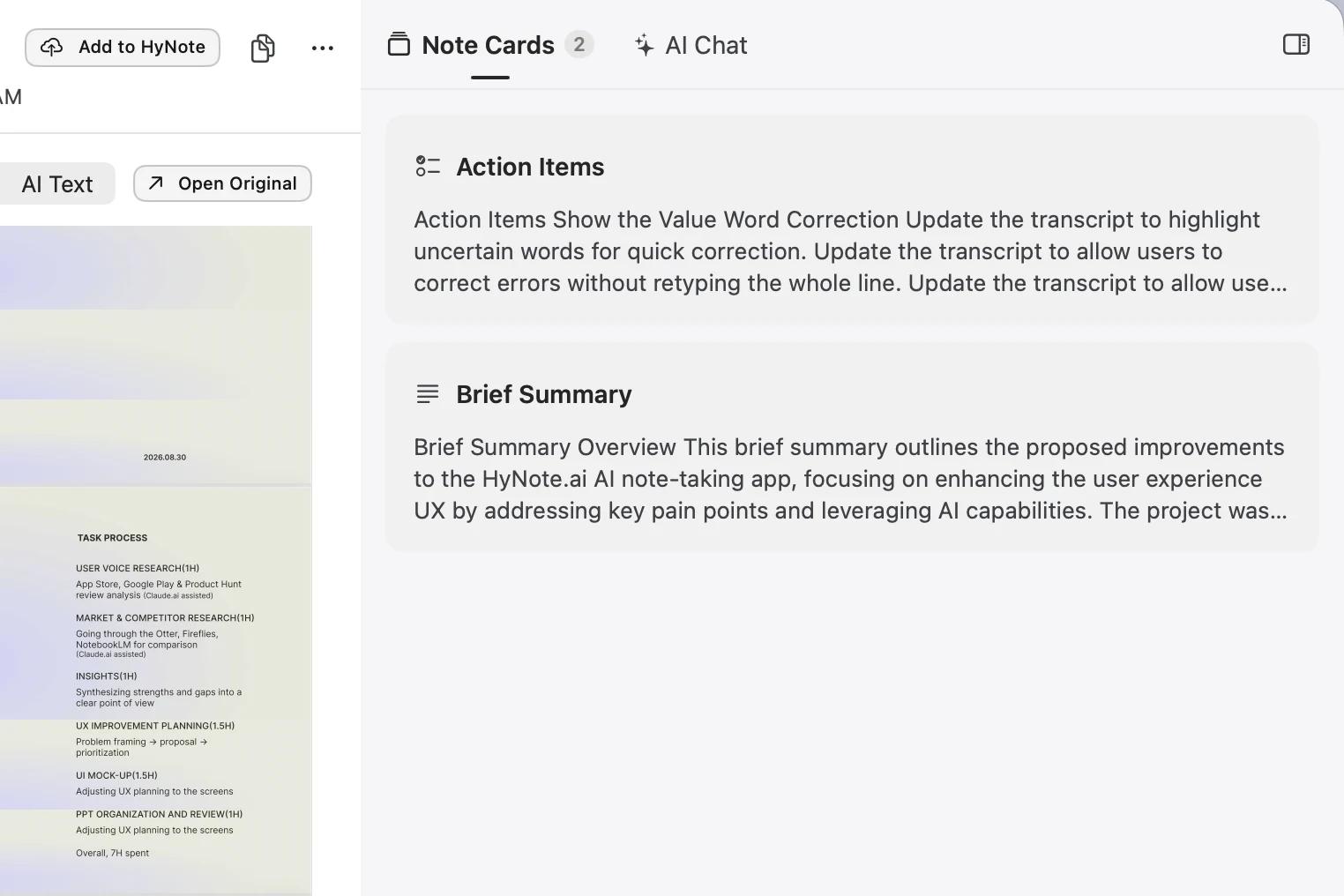
Turn what was discussed into clear next steps.
Jump back by speaker and time.
Uploaded:
0 KBNote: Cloud notes still sync, even when transcription runs on your Mac. For a fully local note, choose On This Mac before recording.
36 languages with online transcription. On-device languages depend on your Mac.
Check language and Mac compatibilityHyNote captures system audio and your microphone directly from your Mac. No bot joins the call or appears in the participant list.
 Zoom
Zoom Google Meet
 Teams
Teams Other Mac apps
Keep the recording, useful answers and next steps together.
When Zoom, Meet or Teams opens, a reminder helps you start capturing the conversation.
Ask about decisions and next steps in a note with Local AI. Search across your cloud note library with cloud AI.
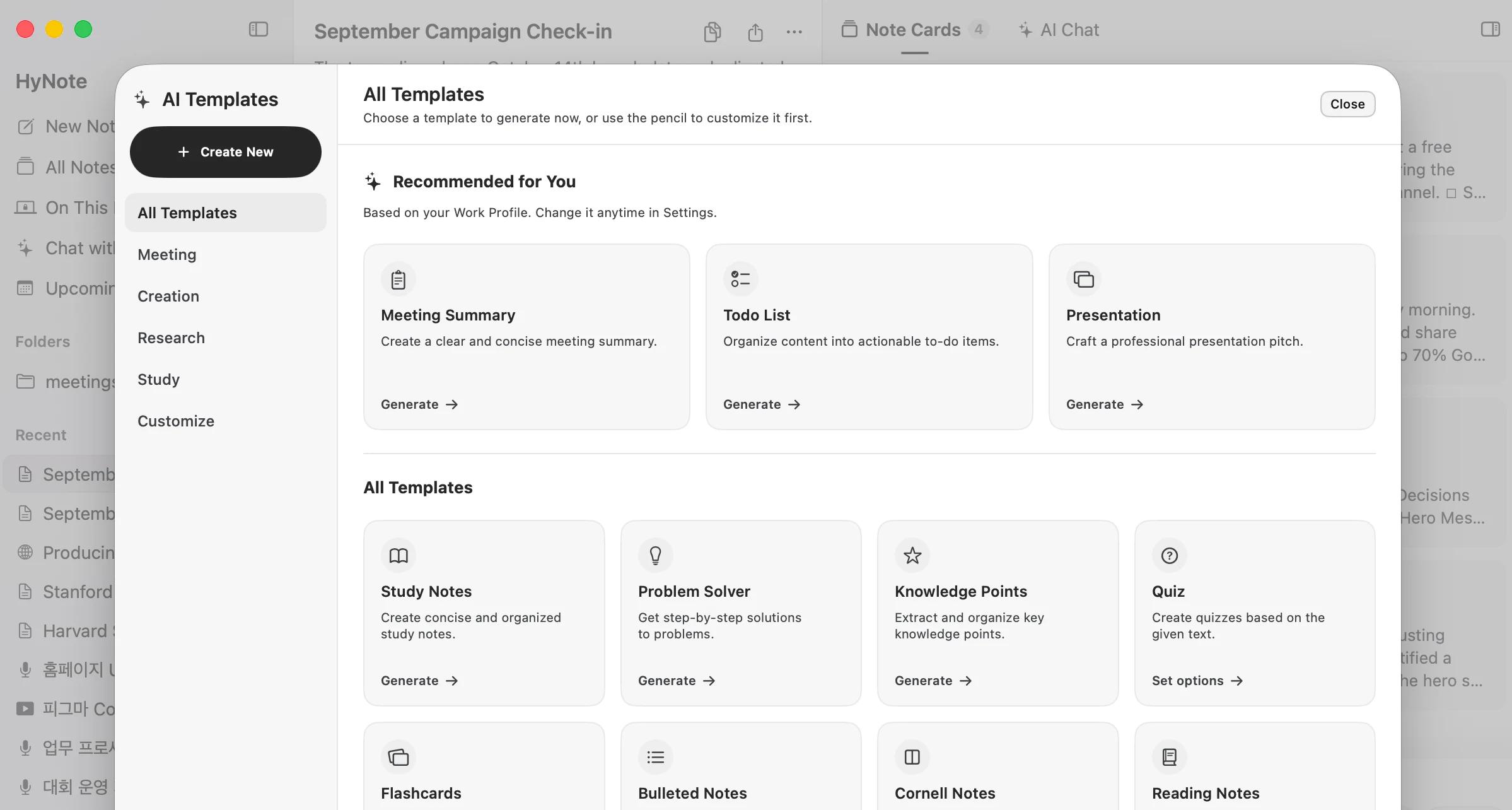
Create summaries and action items from transcripts using ready-made templates.
“I can finally focus on listening instead of worrying about missing something while chasing my notes.”iOS App Store review
Choose local storage, capture the conversation, then turn your transcript into useful notes.
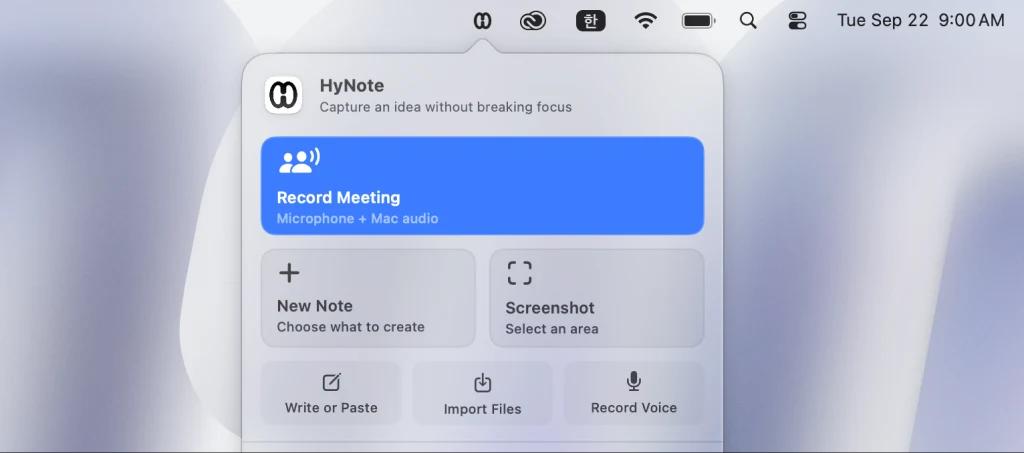
Open HyNote and choose On This Mac. When macOS asks, allow Microphone and Screen & System Audio Recording (System Settings → Privacy & Security). HyNote records audio only, never your screen.

Open Zoom, Google Meet, Teams or another Mac app. Record system audio and your mic while the live transcript follows the conversation. Run a 20-second test first to check both sides are captured.
Review your transcript, then create summaries and action items with Local AI or choose cloud AI for online processing.
Straight answers on cost, recording time, privacy and Mac compatibility.
Yes. Recording, on-device transcription and Local AI are free, with no time limit. Cloud AI is optional, from $6.66/month.
No. The free Mac app has no recording-minute cap. Local AI has device and context limits.
No, when you choose On This Mac and keep processing local. The recording, transcript and Local AI results stay on your Mac. Choosing cloud AI sends content needed for that request online. Storage is a separate choice: cloud notes can upload or sync even when transcription or AI runs locally, and Add to HyNote explicitly copies a local note to the cloud.
No. HyNote captures system audio and your microphone directly from your Mac. No meeting bot joins, appears in the participant list or needs to be invited. Allow the required audio permissions in macOS, then start recording in HyNote.
Local AI processes prompts and generates summaries and answers on a compatible Mac without using cloud AI credits. Cloud AI processes the content needed for your request online and requires an internet connection. Switching a request from Local AI to online processing requires your confirmation.
The app requires macOS 14 or later and supports Intel and Apple silicon Macs. On-device transcription works on Intel Macs and works best on Apple silicon. On-device transcription and speaker features depend on the Mac, macOS, language and model availability. Local AI requires macOS 26.4 or later, an M1 or newer Apple silicon Mac, Apple Intelligence enabled for a supported language and region, and system models ready. Cloud AI requires an internet connection.
Yes. HyNote for Mac is notarized by Apple. The download is a 20 MB+ DMG.
Updates are delivered inside the app. You can also check for updates in Settings.
Not yet. On Windows, use HyNote on the web.
 Note-taking is available