Clip from Web
Your web companion. Save articles, record meetings, capture screenshots — all from your browser.
Why Clip from Web?
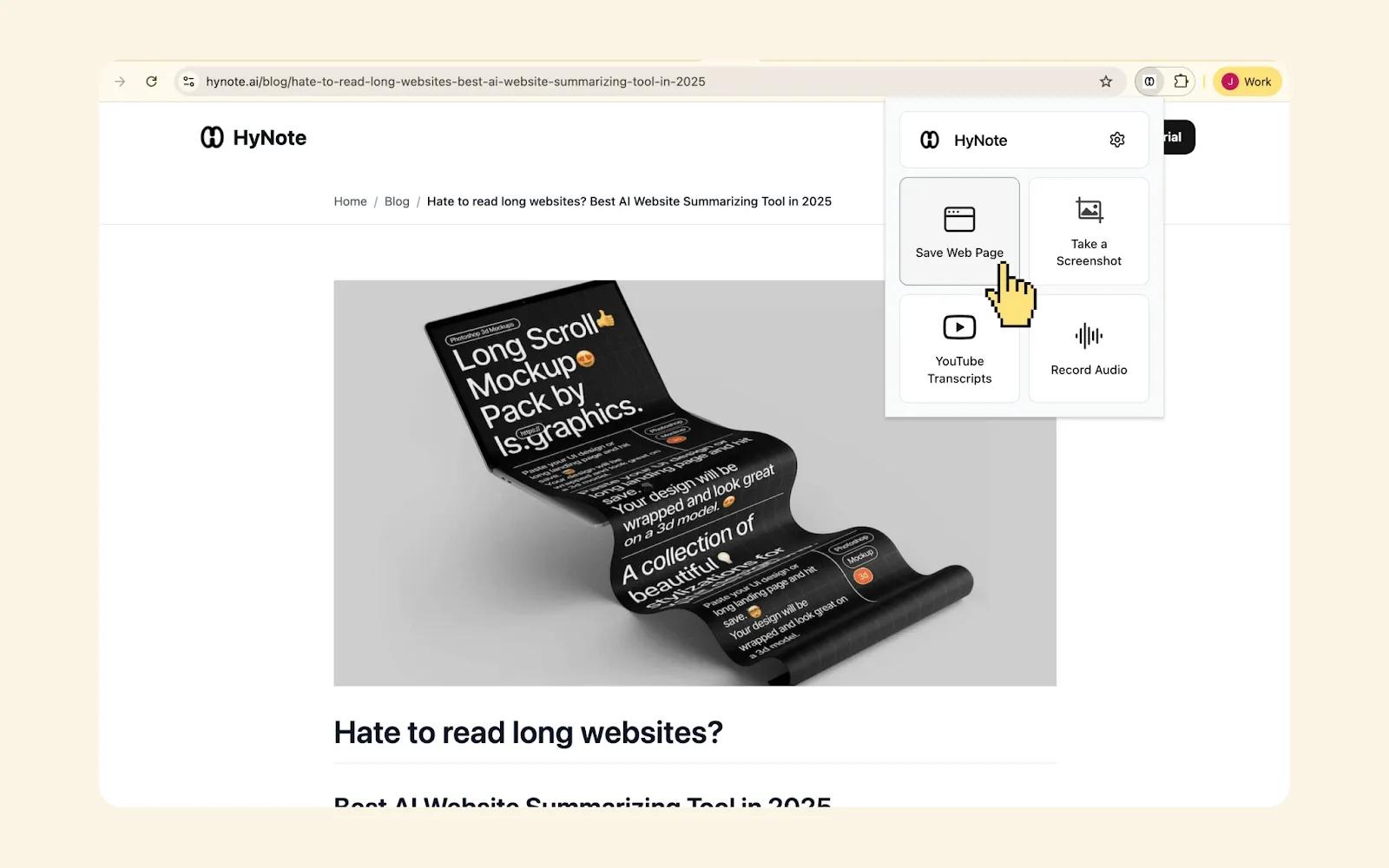
Save Articles
One-click save from any webpage. HyNote removes ads and clutter, extracts the main content, and creates a clean, readable note. Your research library, automatically organized.
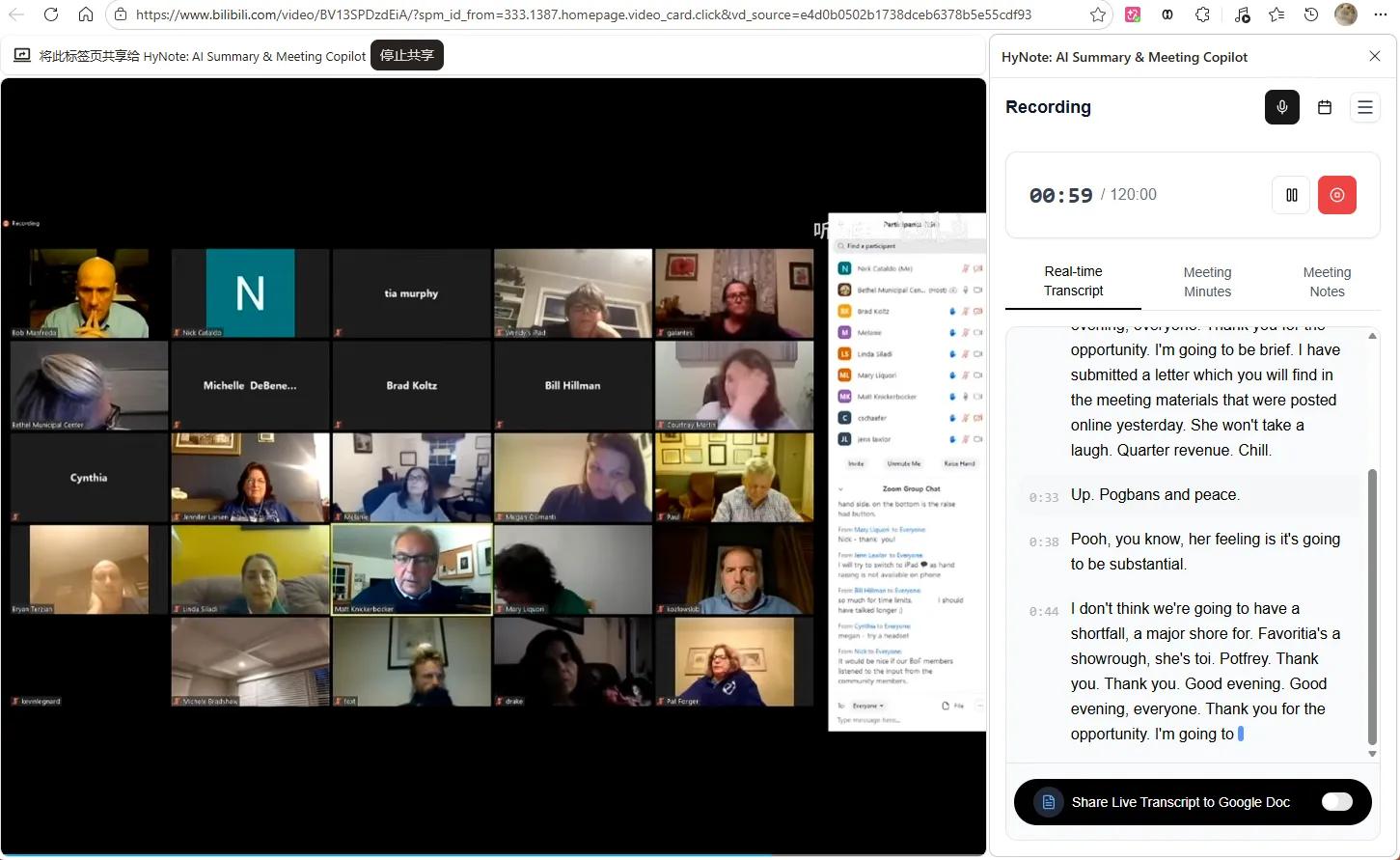
Record Audio & Meetings
Record directly from your browser. Capture team meetings, interviews, or voice memos without switching apps. Audio transcribes automatically and syncs to your HyNote workspace.

Save YouTube Videos
Paste any YouTube URL while browsing. Get instant transcripts, summaries, and key insights. No more pausing videos to take notes.
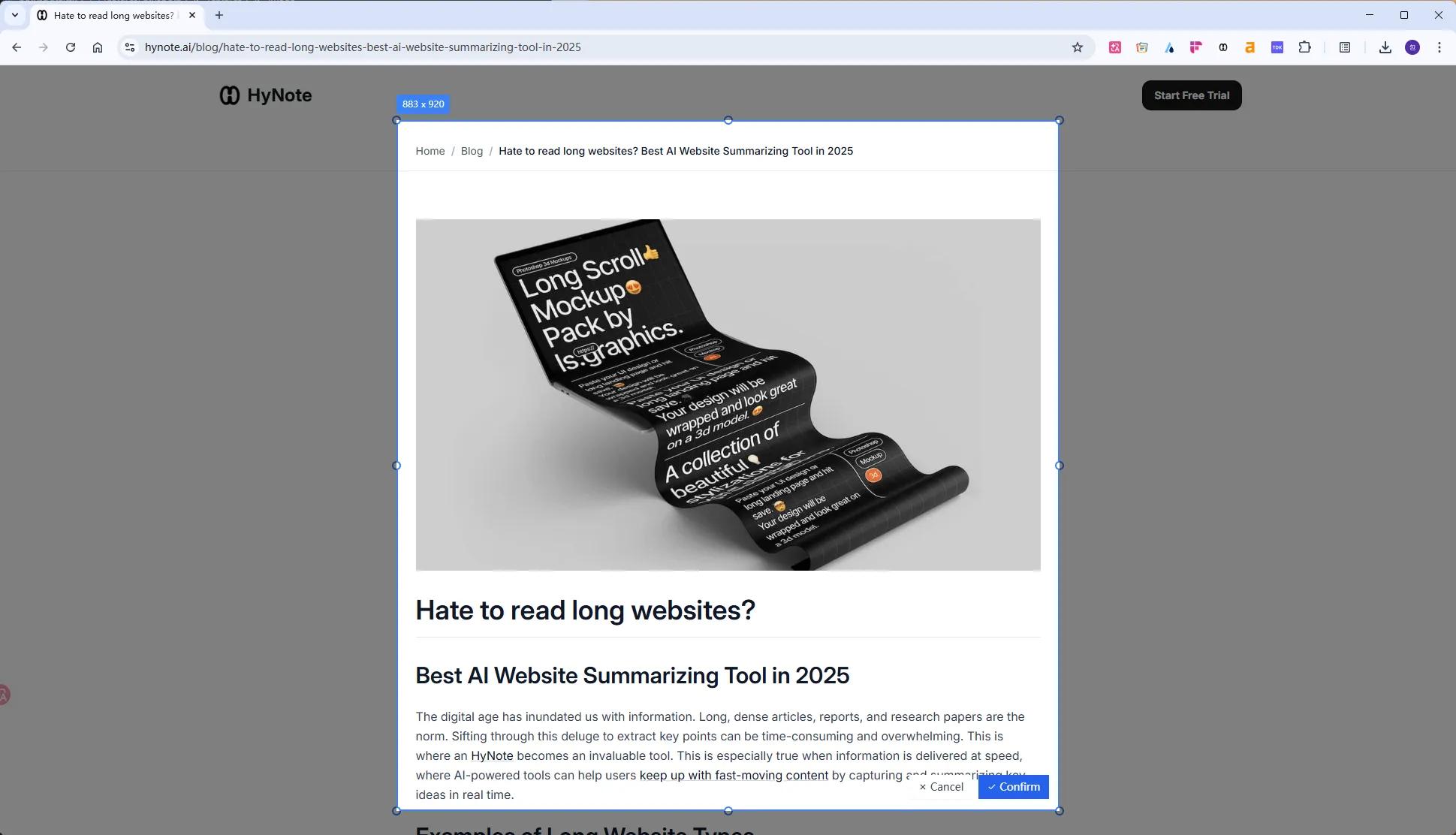
Capture Screenshots
Grab screenshots of anything on the web. Annotate, extract text with OCR, and add them to your notes. Perfect for research, design references, or quick captures.
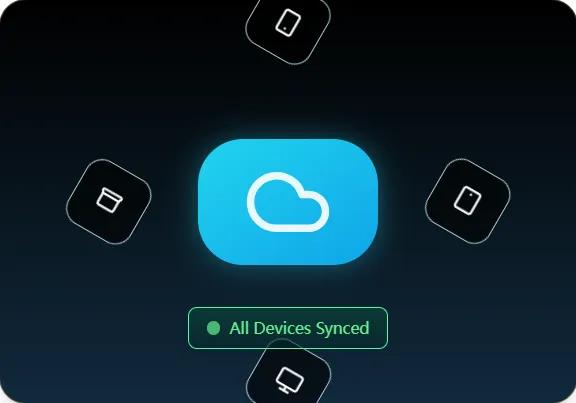
Seamless Sync
Everything you clip syncs instantly to your HyNote app on mobile, tablet, and desktop. Access your web captures anywhere, anytime.
How It Works
- 1
Install Extension
Add "HyNote: AI Summary & Meeting Copilot" to Chrome. Log in with your HyNote account.
- 2
Clip Anything
Browse the web and click the HyNote icon to save articles, record audio, capture videos, or take screenshots.
- 3
Access Everywhere
Your clips appear instantly in your HyNote app. Organize, search, and chat with your web captures across all devices.
Perfect For
Researchers
Clip academic papers, news articles, and blog posts. Your research stays organized and searchable.
Professionals
Document web-based meetings, save competitor analysis, and capture design inspiration.
Students
Build a personal knowledge base from YouTube tutorials, online courses, and research sites.
Key Features
One-Click Save
Clip any webpage instantly
Audio Recording
Record meetings from browser
YouTube Support
Transcripts and summaries
Frequently Asked Questions
Visit the Chrome Web Store and search for "HyNote: AI Summary & Meeting Copilot." Click install and log in with your HyNote account.
Yes. Clip articles from any site, record audio from web-based meetings, and capture screenshots anywhere. Some sites with paywalls may have limited access.
The extension captures audio from browser-based meetings. For video recording, use HyNote's desktop or mobile apps.
Yes. As soon as you save, record, or capture, the content appears in your HyNote app across all devices.
Free users can clip up to 10 items per month. Premium plans offer unlimited clipping.
Our AI note taker is trusted by over 1M+ professionals and students worldwide.