AI Flowchart Generator
Turn messy text, PDFs, or ideas into professional diagrams and save hours of manual mapping. 100% Secure, end-to-end encrypted, and completely private.
How to Use AI Flowchart Generator in 3 Steps
The fastest way to visualize processes online.
Upload Your File
Drag and drop your document. We support PDF, DOCX, and TXT. No sign-up needed.
AI Auto-Processing
Our AI scans and maps out the logic of your file instantly using advanced algorithms.
Download Result
Get your visual result immediately. Your data is permanently deleted after discharge.
Your Result Is Just the Start
Generate the Flowchart
You just did this. Paste your process, idea, or notes — get a clear flowchart in seconds. Free, no sign-up.
Turn It Into a To-Do List
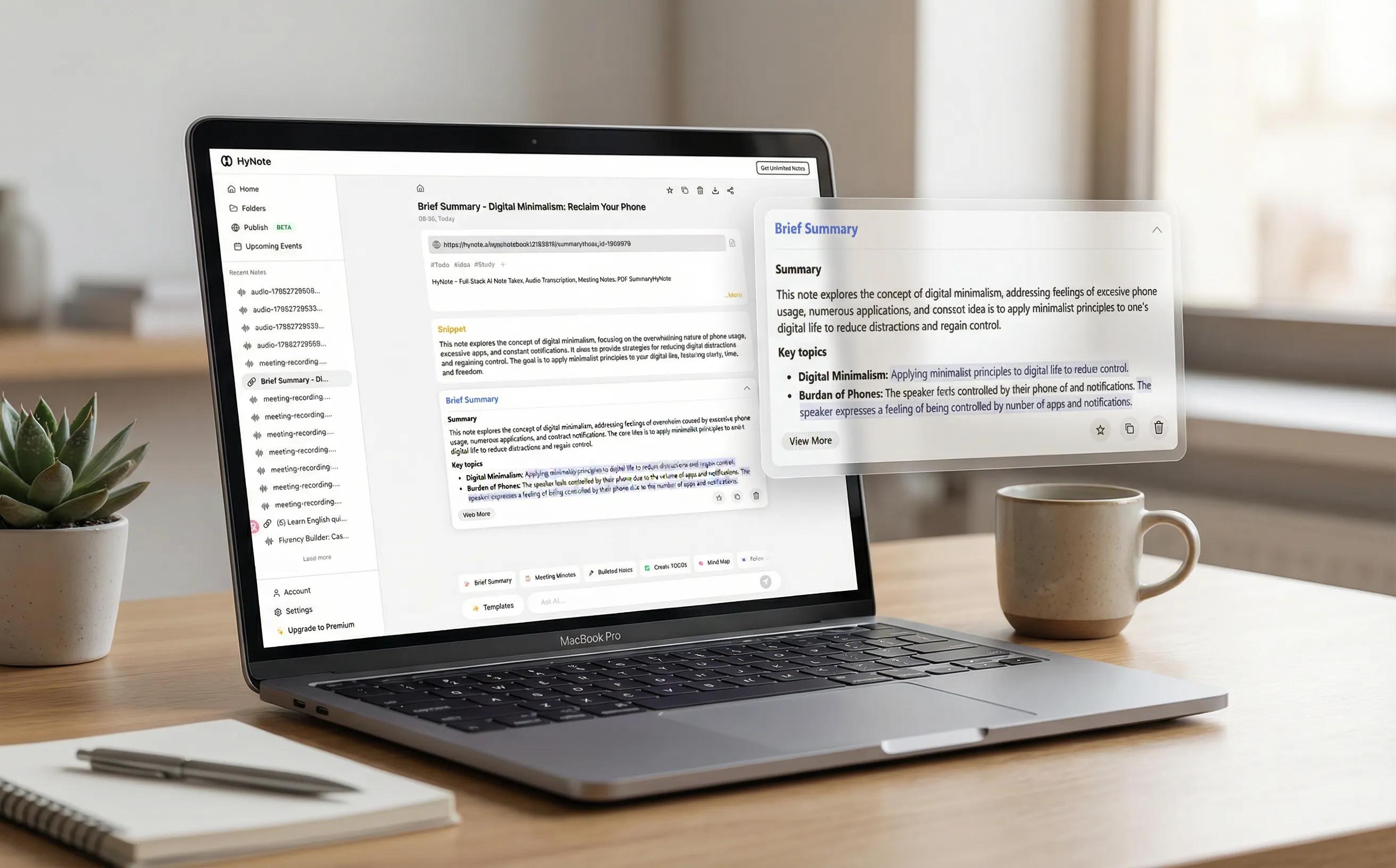
Take the flowchart into HyNote and generate a to-do list so each step becomes clear, actionable work you can track and complete.
Find Anything Later · Create Presentations Instantly · Everything in One Place
7-day free trial
Why choose HyNote AI Flowchart Generator?
Lightning-Fast Generation
Generate results in seconds. Our AI engine is optimized for instant processing.
Perfect Logic & Routing
Uses advanced LLMs to ensure perfect process logic and structural layout unlike basic tools.
100% Free & Anonymous
No hidden paywalls, no credit card, and no account registration needed.
No More Manual Drag-and-Drop
Stop wasting hours aligning boxes and arrows. Just upload your text and let AI do the tedious work.
Bank-Grade Security
Files are encrypted via TLS and deleted automatically after processing.
Universal Compatibility
Works on Mac, Windows, iPhone, and Android directly in the browser.
Used by Professionals & Students Worldwide
"I dumped a 10-page SOP into this, and it gave me a perfect flowchart in 3 seconds. Unbelievable speed."
— Sarah J., Senior Project Manager
"Finally, an AI that understands complex logic. It perfectly captured the decision trees for my computer science assignment."
— David L., CS Student
Related Free AI Tools
Try these free tools powered by HyNote AI.
AI Mind Map Generator
Turn complex text, PDFs, or ideas into stunning mind maps and organize your thinking effortlessly. 100% Secure, end-to-end encrypted, and completely private.
Try freePDF to Presentation
Turn your PDF documents into presentation slides in seconds. Simple, free, and fast.
Try freeAI SWOT Analysis Generator
Turn your notes or documents into a clear SWOT (Strengths, Weaknesses, Opportunities, Threats) analysis with prioritized recommendations and an action plan.
Try free
Explore the Full HyNote AI Suite
All powered by our central HyNote AI Core Engine.
Frequently Asked Questions
Yes, it is 100% free to use. There are no daily limits for standard users.
No, this is a web-based tool. It runs in your browser on any device.
We use 256-bit encryption and delete all files immediately after processing.
We support standard formats including PDF, DOCX, and TXT.
Yes, we use top-tier AI models to ensure high accuracy and context awareness.
Have questions? Email us at contact@hynote.ai for fast support.