Free AI PDF Summarizer
Upload a PDF and turn it into a clear summary, key points, and structured notes. HyNote helps you understand long documents faster — summarize long PDFs, extract key points, turn PDFs into notes, create quizzes and flashcards, and ask follow-up questions.
How It Works: From PDF to Clear Summary
Transform complex PDFs into easy-to-read summaries in three secure steps.
Securely Upload Your PDF
Drag and drop your PDF or select a file. Your file is protected with encryption during processing.
HyNote AI Analyzes & Extracts
Our intelligent AI reads your document, identifies the main arguments, and extracts the most important points, saving you time.
Receive Your Instant Summary
In seconds, get a clean, concise summary. Your original file is deleted from our servers immediately to ensure privacy.
Your Result Is Just the Start
Summarize It
You just did this. Paste any PDF, article, or audio — get a clear, accurate summary in seconds.
Actually Remember It
Reading a summary once won't make it stick. HyNote turns it into flashcards and quizzes automatically — so you actually remember what you learned, not just skim and forget.
Find Anything Later · Create Presentations Instantly · Everything in One Place
7-day free trial
What You Can Do with HyNote PDF Summarizer
Summarize long PDFs without reading every page
Upload a long PDF and get a clear summary in seconds — ideal for textbooks, reports, manuals, and research papers.
Extract key points from research papers and reports
HyNote pulls out the main arguments, facts, and conclusions so you can review what matters fast.
Turn PDFs into structured study notes
Convert dense PDFs into organized notes you can review, share, or save for exams and meetings.
Create quizzes and flashcards from PDFs
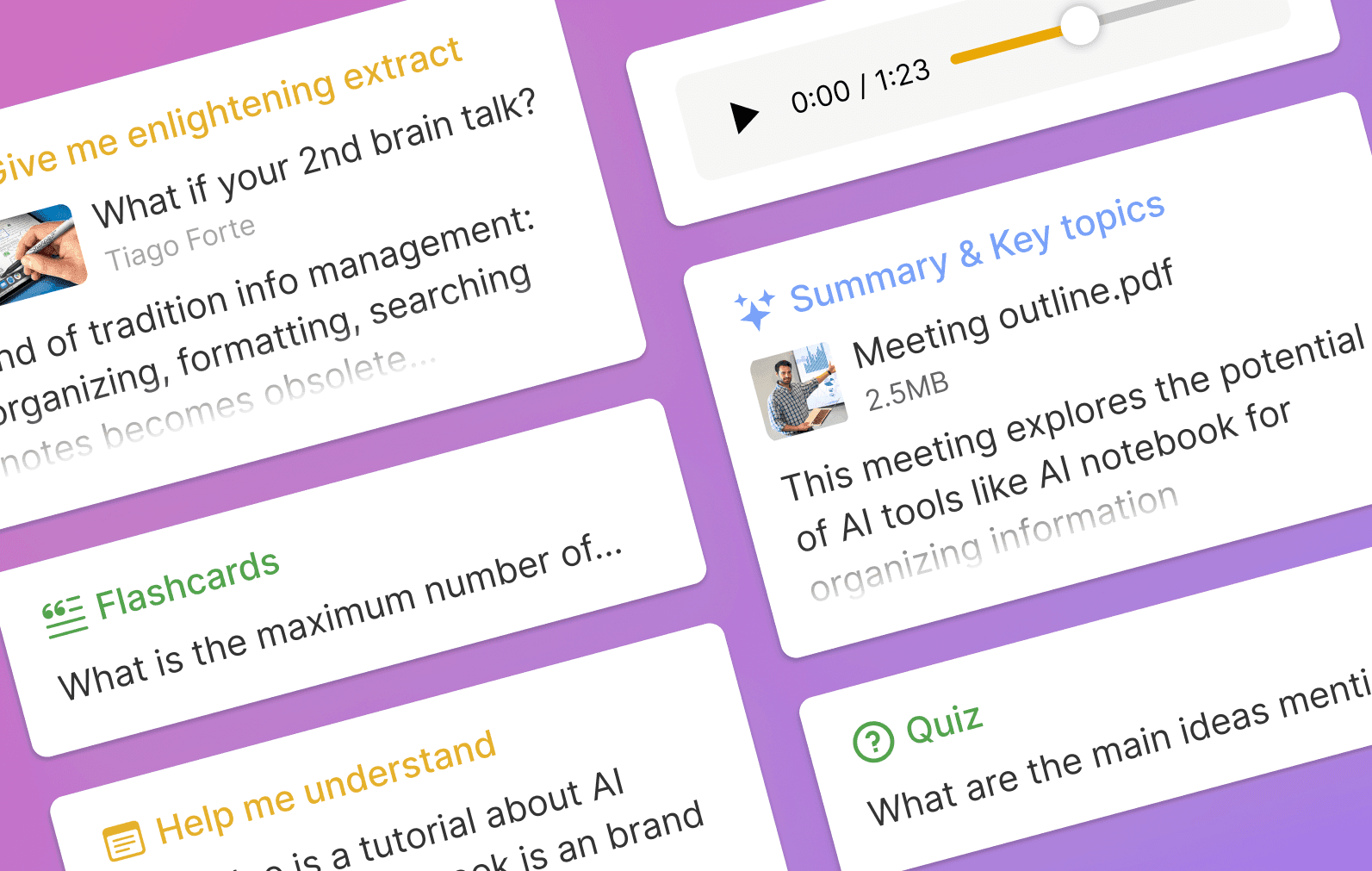
Move from summary to active study with quiz questions and flashcards based on your PDF content.
PDF Summarizer vs PDF Chat vs PDF Quiz
Summarize for a quick overview, chat to ask questions about specific sections, or generate quiz questions for study prep — all from the same PDF workflow.
Mobile & Desktop Friendly
Use the tool from any device—no app required. Summarize on the go or from your desk.
The Go-To Tool for Students and Professionals
"This tool is a lifesaver. It summarized a 100-page textbook chapter into perfect study notes in about 30 seconds. I can finally keep up with my reading list."
— Sarah J., University Student
"I use this to quickly review business reports and whitepapers. It gives me the executive summary I need to decide if a document is worth a full read. Invaluable for my workflow."
— Mark T., Business Analyst
Related PDF Tools
Try these free tools powered by HyNote AI.
PDF Chat
Ask questions about any PDF.
Try freePDF Quiz
Generate quiz questions from PDFs.
Try freePDF FAQ
Create FAQs from PDF documents.
Try freePDF to Presentation
Turn PDF content into slides.
Try freeAI Flashcard Maker
Create study flashcards from PDF notes.
Try freeAI Study Tool
Study faster with summaries, quizzes, and notes.
Try freeAI Notes Generator
Turn PDF content into structured notes for review.
Try free
Explore the Full HyNote AI Suite
All powered by our central HyNote AI Core Engine.

Frequently Asked Questions
Upload your PDF to HyNote, choose a summary type, and get a clear summary with key points in seconds.
Yes. HyNote is built for long PDFs such as textbooks, reports, and research papers. For best results on very large files, upload machine-readable PDFs with selectable text.
Yes. Upload academic papers, journal articles, or thesis PDFs and HyNote will extract key arguments, findings, and takeaways into a structured summary.
Yes. HyNote turns PDF content into structured study notes with key points you can review, copy, or save for later study.
Yes. After summarizing a PDF, use HyNote's PDF Quiz tool to generate practice questions, answers, and explanations from the same document.
For the free version, we recommend files under 100 pages or 10MB for optimal performance. For larger documents, please consider our professional plans.
If you run into any issues or have questions during use, feel free to contact us at contact@hynote.ai. Our team is happy to help and usually responds quickly.