- 10 hrsAverage time saved per week
- 3xFaster from research to published
- 85%Say they produce more content (survey, 2025)
Key Features for Content & Media Professionals
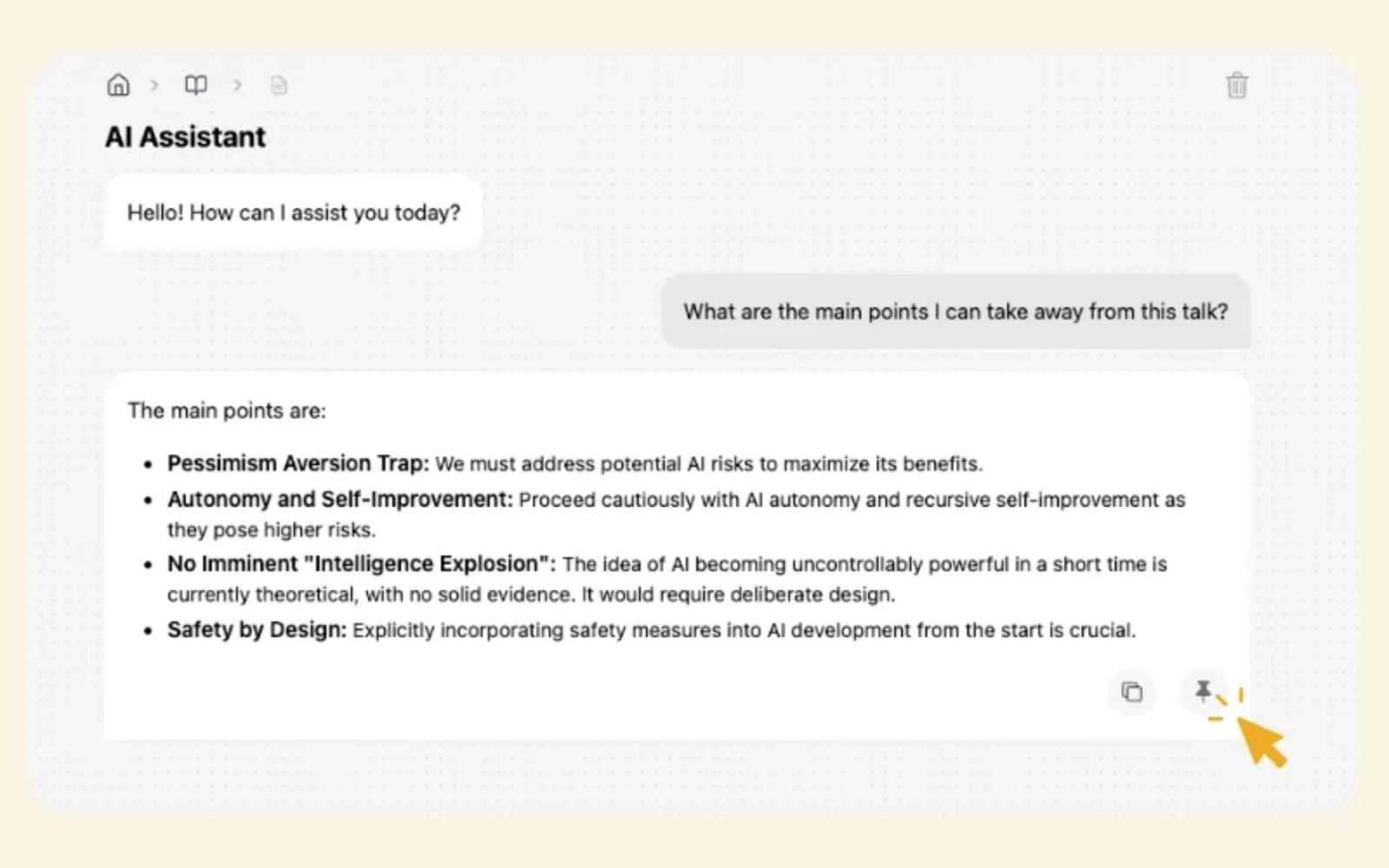
How Content & Media Professionals Use HyNote
Interview Transcription and Analysis
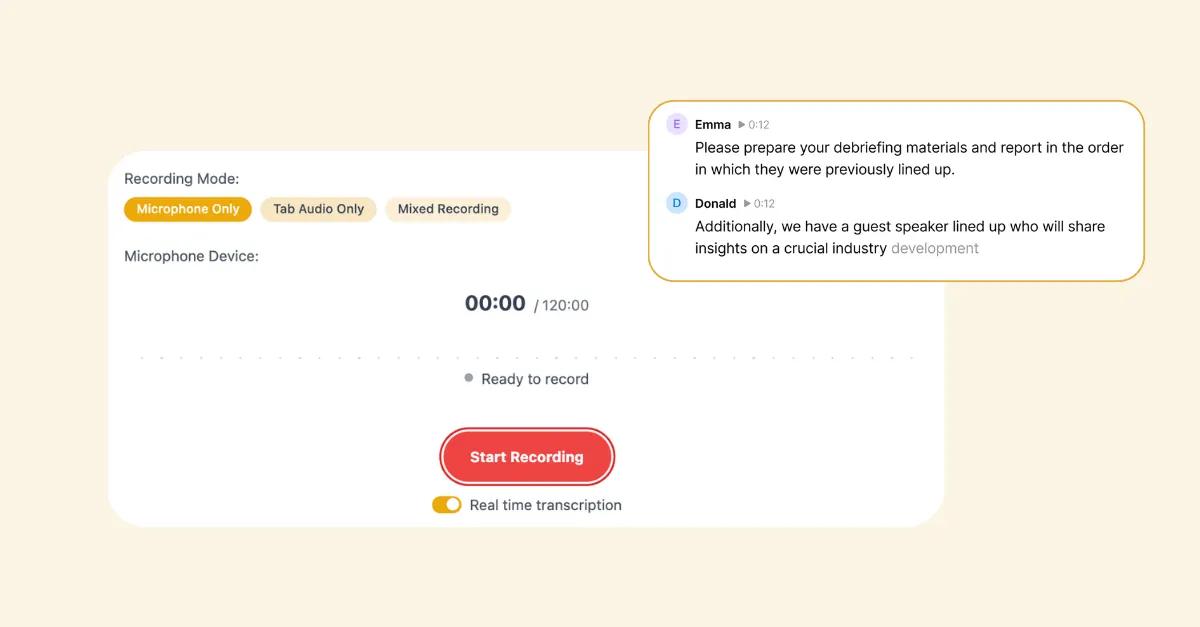
Record and transcribe interviews with automatic identification of key quotes. Tag important moments for easy reference. Analyze themes across multiple interviews.
- Live Transcription
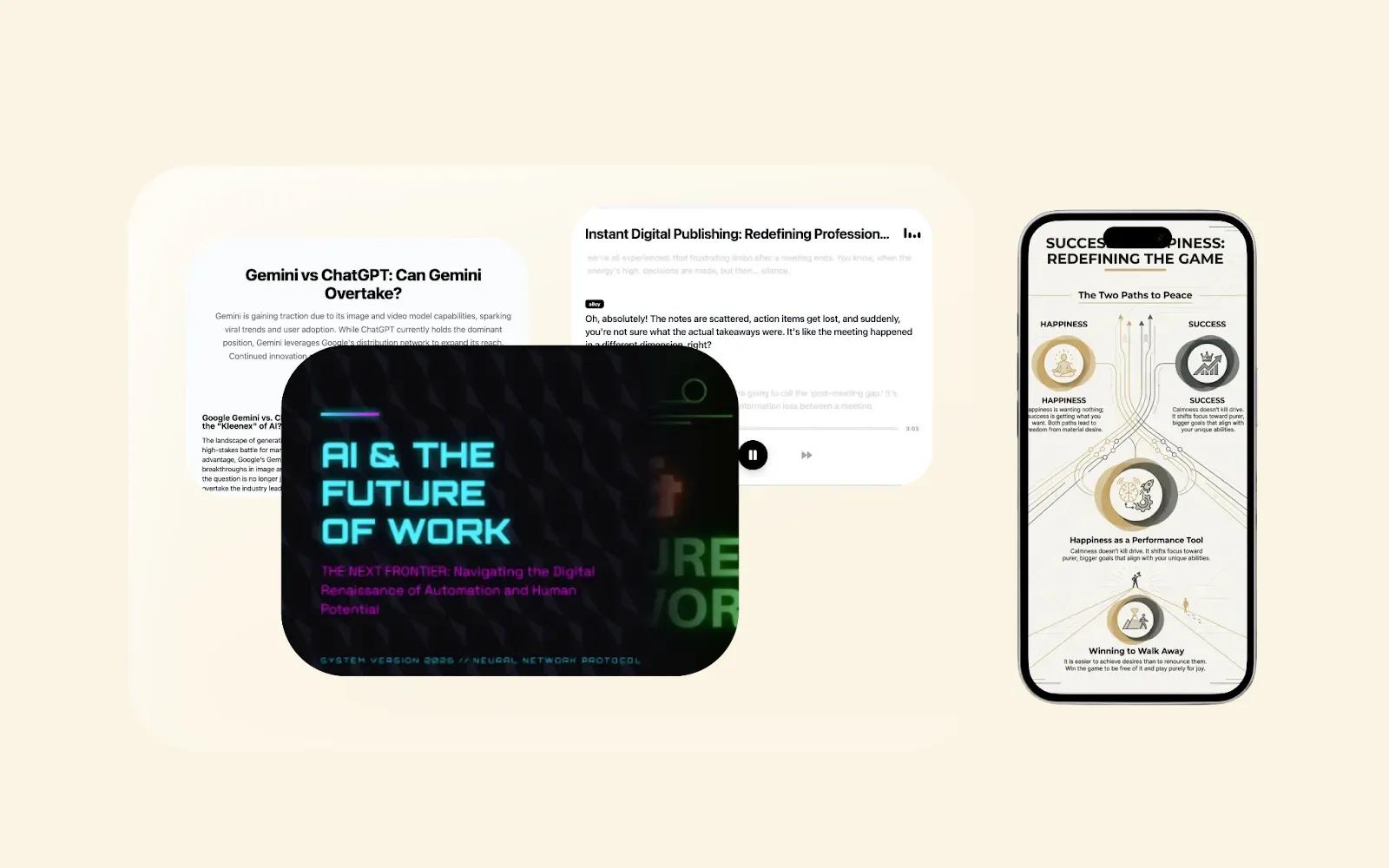
- Smart Summaries
- Chat with Your Notes
90%reduction in transcription time
Research Organization
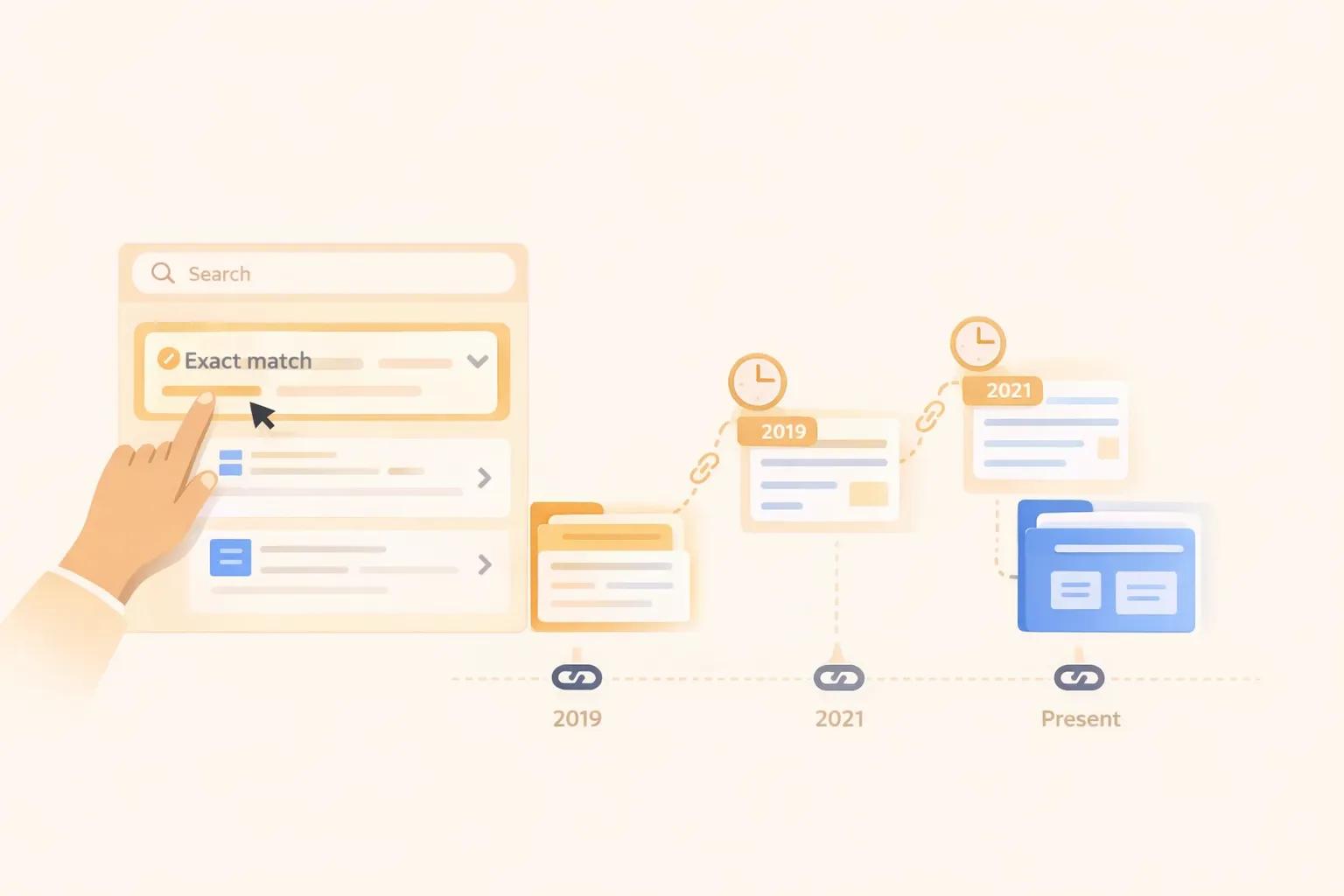
Collect research from dozens of sources and organize automatically. Find connections across articles. Build comprehensive backgrounders.
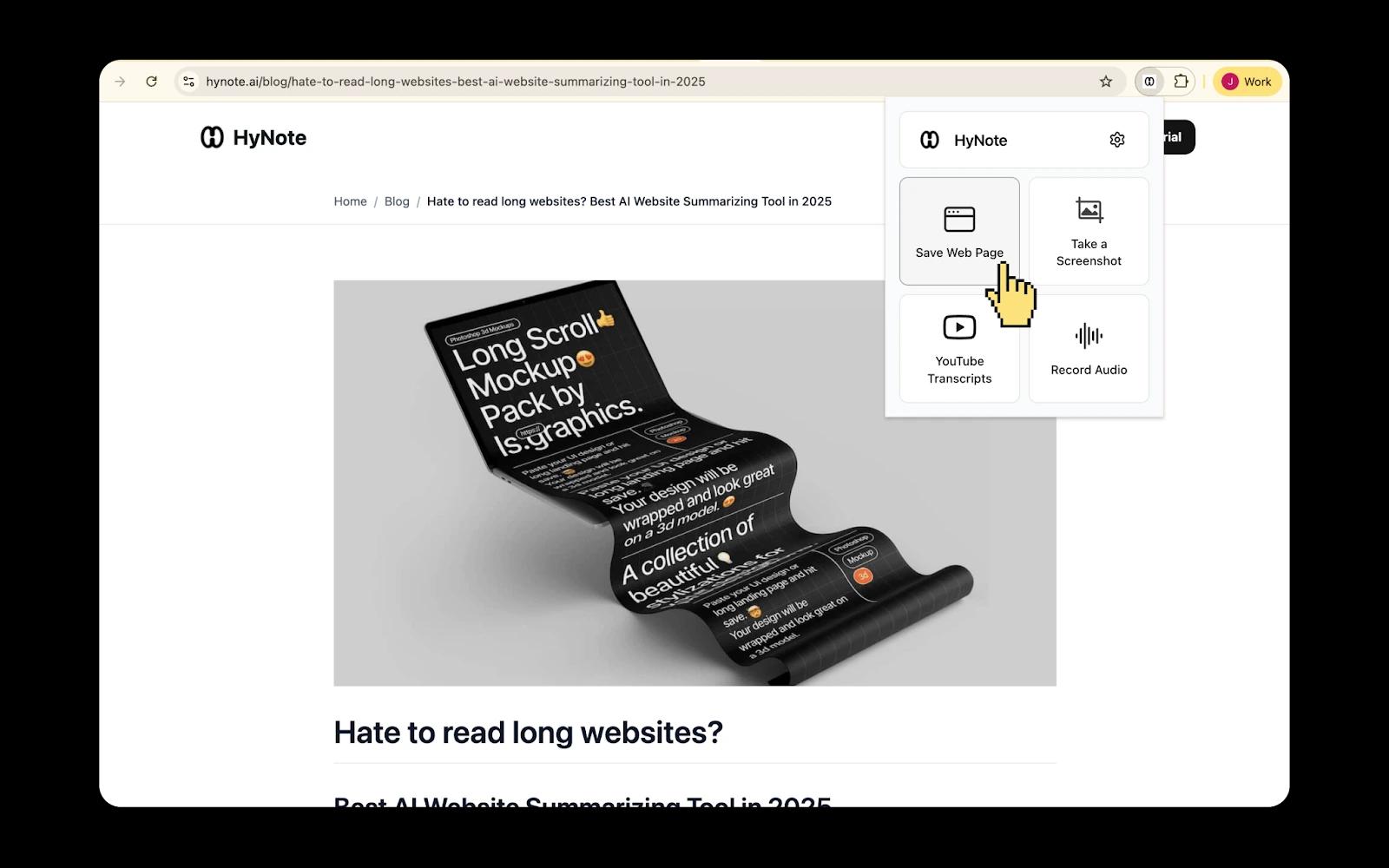
- Clip from Web
- Connected Notes
- Import Anything
60%reduction in research time
Content Calendar Planning
Plan content schedules and organize ideas over time. Connect related topics into series. Track deadlines and publishing schedules.
- Connected Notes
- Sync Everywhere
- Share & Publish
40%increase in content output
Podcast Production
Transcribe episodes and generate show notes. Extract key takeaways from recordings. Create quote cards for social media.
- Live Transcription
- Smart Summaries
- One-Click Export
50%reduction in post-production time
Video Script Writing
Organize research for video projects and write scripts. Connect visual ideas to narrative flow. Collaborate with production teams.
- Connected Notes
- Share & Publish
- Smart Summaries
35%faster script writing
What Content Creators Say
“I used to spend 4 hours transcribing each podcast episode. Now it's done in 20 minutes. I can focus on storytelling instead of typing. My show went from weekly to twice-weekly because of the time savings.”
Rachel Kim
Host, The Creative Life Podcast
“As a journalist, I interview 10+ people for every story. Being able to search all my transcripts for specific quotes is incredible. Find me everything about climate policy from my interviews this month—done in seconds.”
James Morrison
Investigative Reporter, The Atlantic | Pulitzer Prize nominee
“I write for multiple publications and need to keep track of different editorial calendars. This tool lets me organize by publication, story angle, and deadline. I never miss a deadline anymore.”
Sophia Liu
Freelance Writer
Frequently Asked Questions
You do. HyNote does not claim any rights to your content, and all transcripts remain your intellectual property, just like your notes and recordings.
Yes. HyNote's editor lets you correct transcription errors, add speaker labels, and format content for publication, giving you full control before anything is shared or published.
Yes. HyNote supports 50+ languages for transcription and translation, so you can interview someone in one language and receive the transcript in another.
Yes. You can create individual projects for each story, keeping all related research, interviews, and drafts organized in one place.
HyNote exports to PDF and TXT, and integrates with Google Docs and Notion for one-click publishing. On mobile, share via the native share sheet to email and messaging apps.
HyNote automatically transcribes recordings, identifies speakers, and lets you search across all your transcripts to find specific quotes in seconds.
Yes. HyNote transcribes episodes, generates show notes, extracts key takeaways, and helps create quote cards for social media, reducing post-production time by up to 50%.
Users save an average of 10 hours per week and report going from research to published content 3 times faster.
Yes. HyNote is an AI interview transcription tool that automatically transcribes recordings with speaker identification and 99%+ accuracy. You can search across all your transcripts to find specific quotes in seconds, and export in PDF, TXT, or push to Google Docs.
HyNote provides a full suite of AI content creation tools: automatic interview transcription, smart summaries, web clipping, connected notes for research organization, and one-click export to Google Docs and Notion. Podcast producers, journalists, and video creators use it to cut production time by up to 50%.