PDF to FAQ
Transform dense PDF files into structured questions and answers using advanced AI.
How to Turn PDFs into FAQs
Go from reading to understanding in seconds with our AI-powered tool.
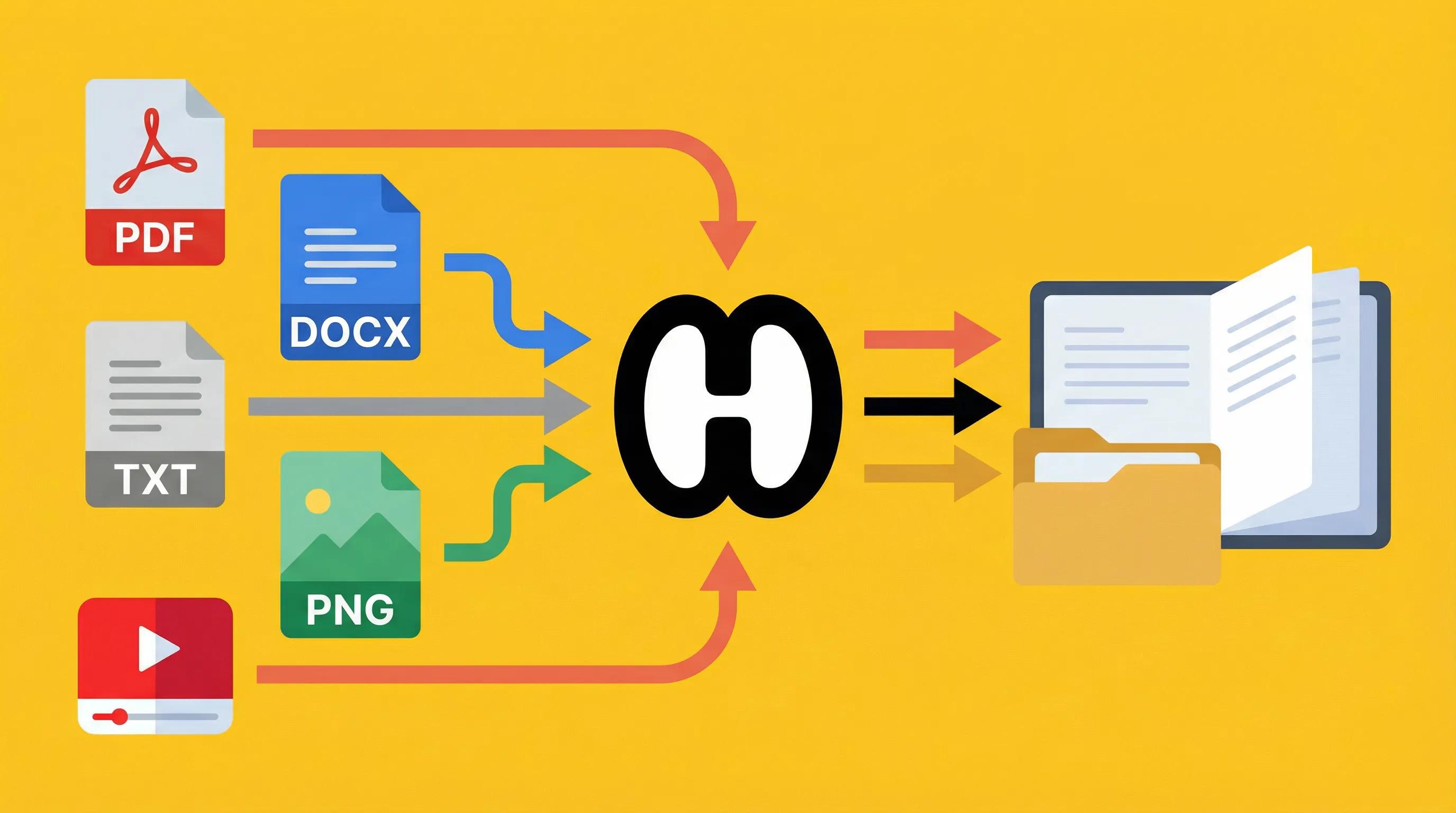
Upload Your PDF
Drag and drop any document—no sign-up required. Our system instantly prepares it for analysis.
AI Generates Questions & Answers
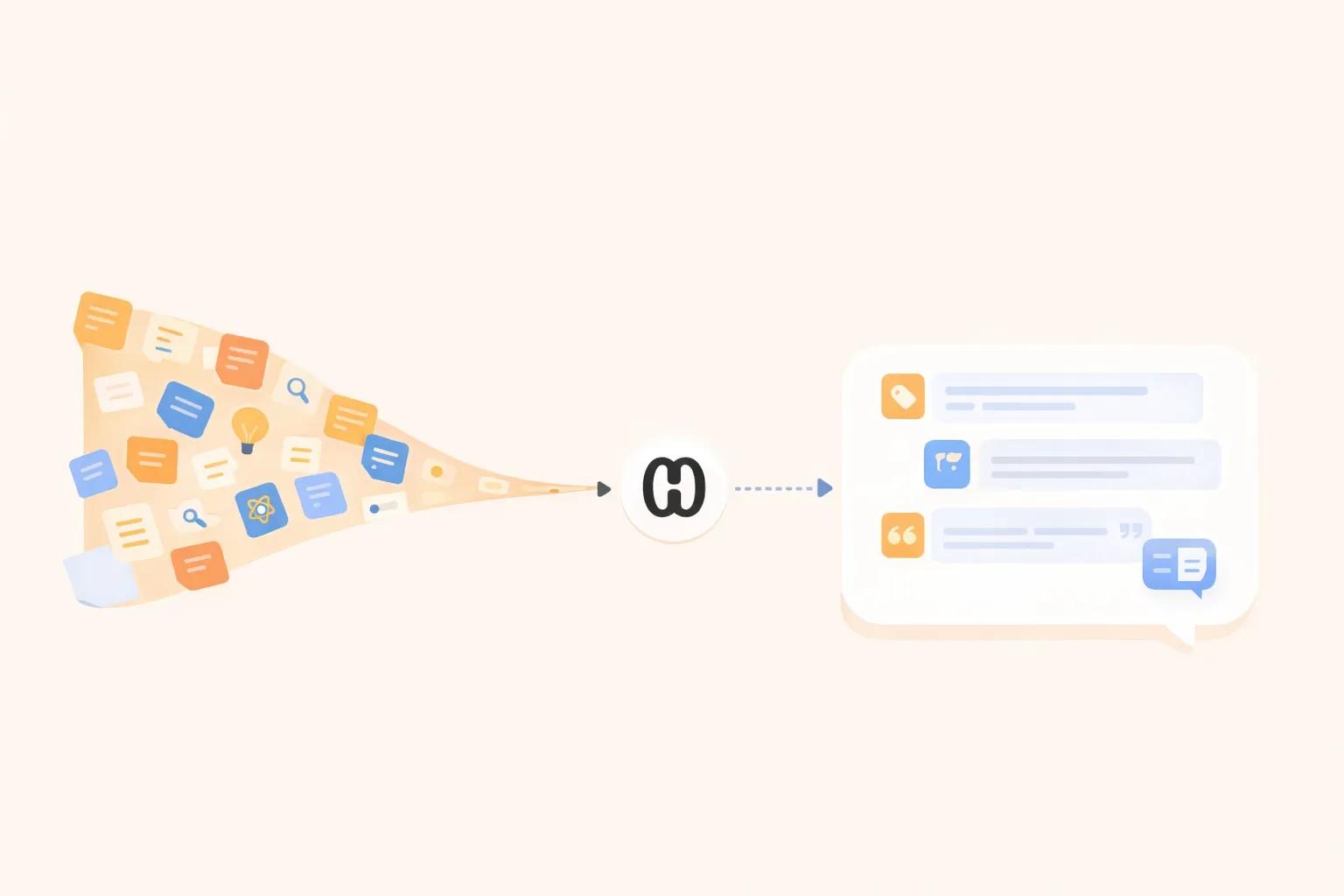
The AI scans your file, identifies key topics, and creates easy-to-read FAQs based on the content.
Review, Save & Share
Use the generated FAQs for learning, work, or communication. Copy, download, or integrate them as needed.
Your Result Is Just the Start
Generate FAQs from Your PDF
You just created structured Q&A from your document. Upload any PDF, and our AI instantly generates clear, organized FAQs that help you understand content faster without endless reading.
Learn & Retain Better
Turn those FAQs into interactive flashcards and quizzes with HyNote. Practice active recall to lock in knowledge, not just skim and forget—because understanding is what matters.
Find Anything Later · Create Presentations Instantly · Everything in One Place
7-day free trial
Why choose HyNote AI PDF to FAQ?
Instantly Generate FAQ from Any PDF
No more reading line-by-line—let AI turn your documents into structured knowledge.
Ideal for Students, Professionals & Teams
Whether it's textbooks or technical reports, get the essential Q&A format to learn faster and work smarter.
No Account Needed — Truly Free
No hidden limits. Start transcribing instantly — no account or payment required.
AI-Powered Accuracy
Leverages advanced AI to deliver reliable, coherent Q&A generation from real content.
Business-Ready Insights
Quickly turn contracts, reports, or policy documents into clear FAQs for your team or clients. Streamline onboarding, compliance, and decision-making with instant answers from your business files.
Effortless Project & Meeting Prep
Upload meeting notes, project plans, or proposals to generate tailored Q&A summaries. Keep stakeholders aligned and save time on briefings, so your team can focus on what matters most.
Related PDF Tools
Try these free tools powered by HyNote AI.
PDF Chat
Ask questions about any PDF.
Try freePDF Quiz
Generate quiz questions from PDFs.
Try freePDF FAQ
Create FAQs from PDF documents.
Try freePDF to Presentation
Turn PDF content into slides.
Try freeAI Flashcard Maker
Create study flashcards from PDF notes.
Try freeAI Study Tool
Study faster with summaries, quizzes, and notes.
Try freeAI Notes Generator
Turn PDF content into structured notes for review.
Try free
Explore the Full HyNote AI Suite
All powered by our central HyNote AI Core Engine.
Frequently Asked Questions
It's an AI-based tool that automatically extracts questions and answers from your PDF documents for fast comprehension.
Works best with readable text-based PDFs, including textbooks, research papers, business reports, manuals, and contracts.
Yes, you can freely edit, copy, or download the questions and answers generated by the tool.
Yes! No sign-up or payment is required for standard documents. Longer files may require a premium upgrade.
We process documents securely in real-time and never store your files permanently. Your privacy is respected.
If you run into any issues or have questions during use, feel free to contact us at contact@hynote.ai. Our team is happy to help and usually responds quickly.