Chat with Any PDF
Ask questions about a PDF and get clear answers you can turn into notes, summaries, and study materials.
Upload PDF Document
Drag and drop your PDF file or click to browse
How to Chat with Your PDF
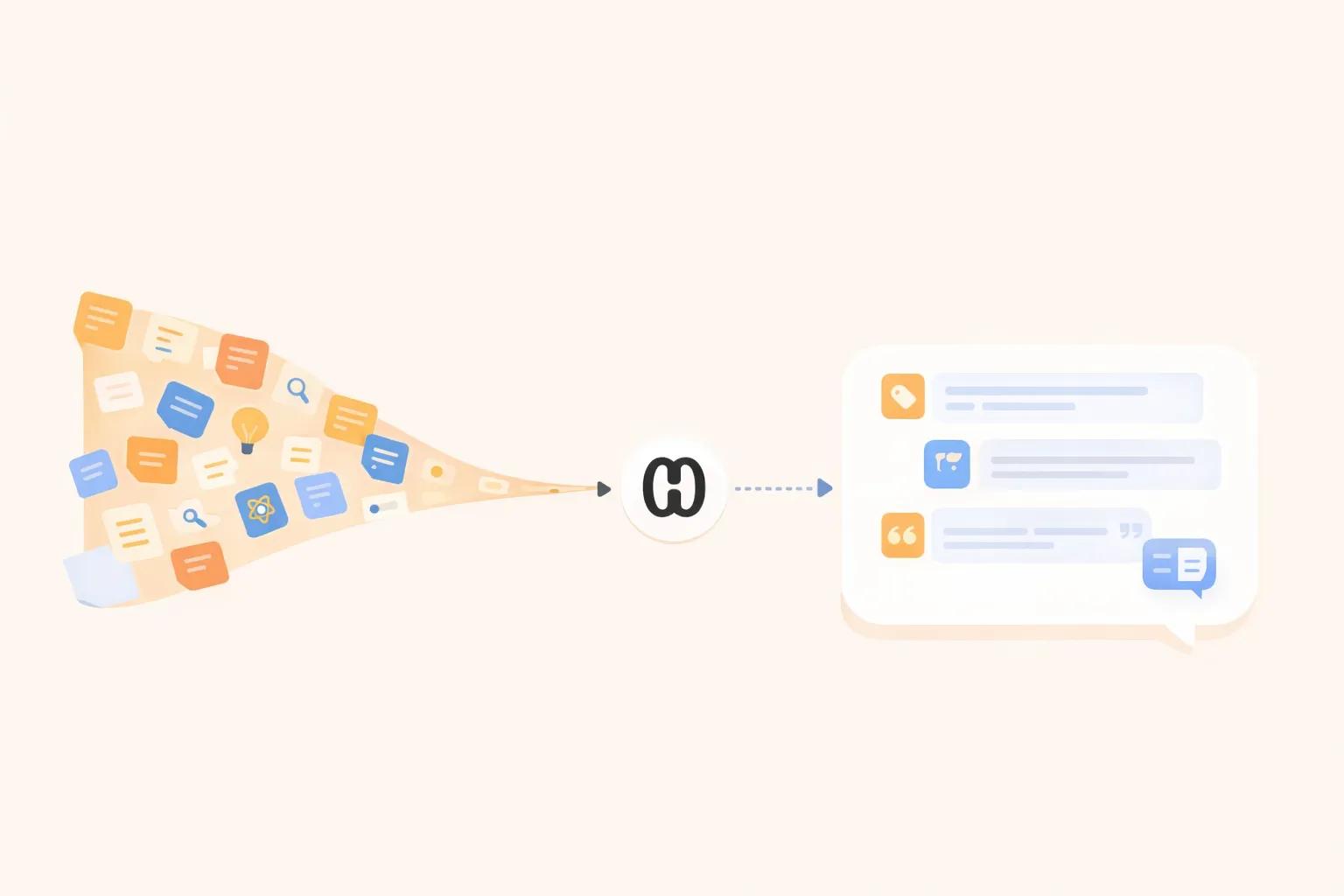
Forget skimming – just upload your PDF and ask anything. Our AI gives you fast, accurate responses.
Upload Your PDF
Drag and drop your PDF or select it from your device. No sign-up, no delay—just fast, direct access to the chat.
AI Reads and Understands It
Our advanced AI system scans your document and prepares it for conversation by analyzing the full content.
Start Chatting & Get Answers
Ask your PDF anything—summarize it, clarify sections, extract data, or get definitions. Ideal for students, researchers, and professionals.
Your Result Is Just the Start
Chat & Extract Answers
You just had a conversation with your PDF. Ask anything—summarize sections, clarify concepts, extract data. Our AI gives you instant, accurate answers without scrolling through pages.
Save & Remember What You Learned
Great insights from your chat session? Turn them into organized study notes and flashcards with HyNote. Lock in your learning with active recall so knowledge actually sticks.
Find Anything Later · Create Presentations Instantly · Everything in One Place
7-day free trial
What You Can Do with PDF Chat
Ask questions about long PDFs
Upload a long document and ask specific questions instead of scrolling through every page.
Find answers inside reports, papers, and notes
Get source-aware answers drawn from the PDF content — ideal for research, study, and work review.
Clarify confusing sections of a PDF
Ask HyNote to explain a paragraph, define a term, or break down a complex section in plain language.
Turn PDF answers into notes
Save helpful answers and insights as notes, summaries, or study materials for later review.
PDF Chat vs PDF Summarizer
Use PDF Summarizer for a quick overview of the whole document. Use PDF Chat when you need answers to specific questions about sections, data, or arguments.
Perfect for Business & Teams
Accelerate contract reviews, summarize reports, and extract key data from business documents instantly. Streamline workflows and boost team productivity with AI-powered document insights.
Related PDF Tools
Try these free tools powered by HyNote AI.
PDF Chat
Ask questions about any PDF.
Try freePDF Quiz
Generate quiz questions from PDFs.
Try freePDF FAQ
Create FAQs from PDF documents.
Try freePDF to Presentation
Turn PDF content into slides.
Try freeAI Flashcard Maker
Create study flashcards from PDF notes.
Try freeAI Study Tool
Study faster with summaries, quizzes, and notes.
Try freeAI Notes Generator
Turn PDF content into structured notes for review.
Try free
Explore the Full HyNote AI Suite
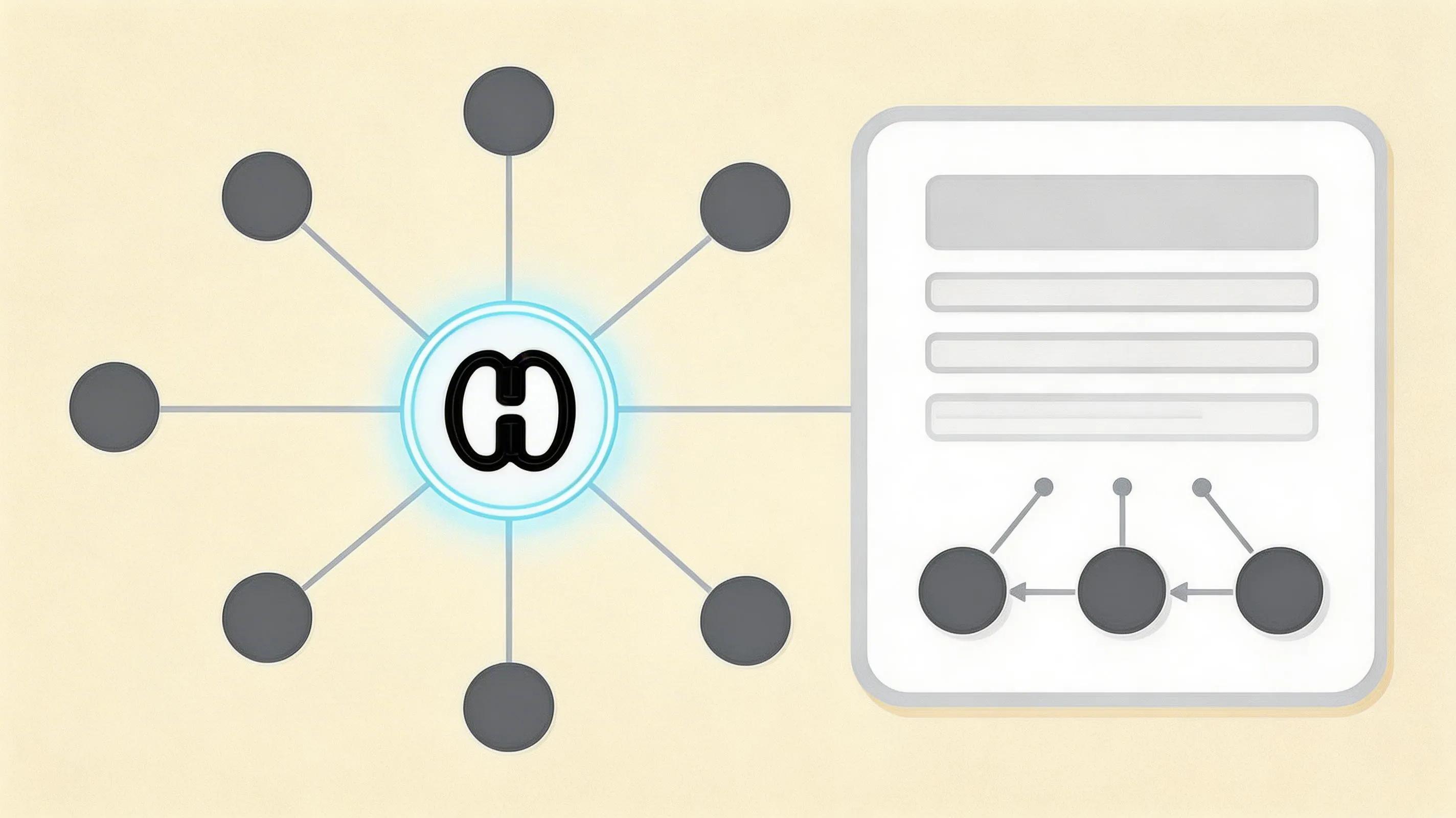
All powered by our central HyNote AI Core Engine.
Frequently Asked Questions
PDF chat lets you ask questions about an uploaded PDF and get answers based on the document content — like having a conversation with your file.
Yes. Upload a PDF and ask about summaries, definitions, arguments, data points, or specific sections. HyNote responds using the content in your document.
Yes. Ask HyNote to explain a page, paragraph, or concept from your PDF in clearer, simpler language.
Yes. PDF Summarizer gives you a full-document overview with key points. PDF Chat is for follow-up questions and targeted answers about specific parts of the PDF.
Yes. You can turn useful answers into notes or study materials and continue working with them in HyNote.
If you run into any issues or have questions during use, feel free to contact us at contact@hynote.ai. Our team is happy to help and usually responds quickly.