PDF to Presentation
Turn your PDF documents into presentation slides in seconds. Simple, free, and fast.
Upload report to summarize
Drag and drop your document or click to browse
How to Convert PDF to Presentation in 3 Steps
Turn static documents into dynamic decks with the HyNote AI engine.
Upload Your PDF
Select the PDF file you want to convert to a presentation. No sign-up or login needed.
AI Generates Slides (~5s)
Watch as our AI converts your PDF content into presentation slides. You will see the first slide appear in just 5 seconds.
Download Presentation
Export your file as an editable PowerPoint (.pptx). Your PDF to presentation conversion is complete.
Your Result Is Just the Start
Convert Your PDF to Presentation Slides
You just transformed your static PDF into dynamic presentation slides in seconds. Download your editable PowerPoint deck and customize the design, colors, and layout to match your brand or presentation style.
Publish Your Content in Multiple Formats
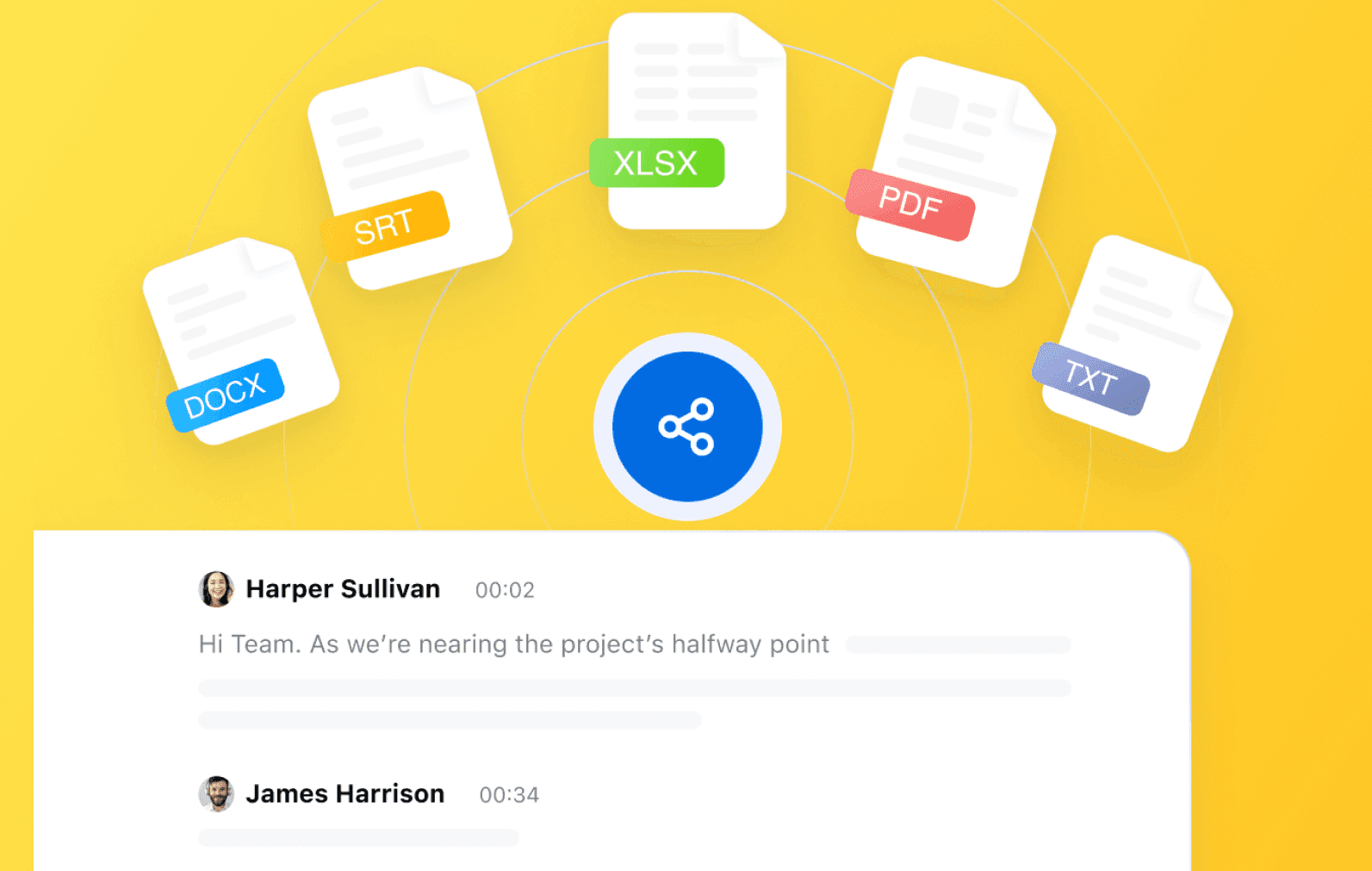
Don't stop at presentations. With HyNote's Publish , convert your content into blog posts, podcasts with a single click. One presentation, unlimited ways to share your message.
Find Anything Later · Create Presentations Instantly · Everything in One Place
7-day free trial
Why Use HyNote for PDF to Presentation?
Turn Reports into Decks
Perfect for business reports, research papers, or ebooks. Convert any text-heavy PDF to presentation slides effortlessly.
Instant Preview Technology
Unlike other converters, we show you the beginning of your presentation in 5 seconds so you know it works immediately.
Compatible with PowerPoint
Our PDF to presentation tool generates .pptx files compatible with Microsoft PowerPoint, Google Slides, and Keynote.
Preserve Document Logic
The AI understands chapters and headings, ensuring your PDF to presentation workflow maintains the original structure.
Secure & Private
Your document is used solely for the PDF to presentation process and is deleted instantly after generation.
Mobile Ready
Convert PDF to presentation on your phone or tablet. Fast processing works on any device.
Trusted for PDF to Presentation Needs
"This is the fastest PDF to presentation tool I've found. I saw the first slide in 5 seconds and downloaded the full deck immediately."
— David R., Marketing Lead
"I needed to convert a PDF to presentation for a lecture. HyNote did it for free without asking for my email. Amazing."
— Emily C., Professor
Related PDF Tools
Try these free tools powered by HyNote AI.
PDF Chat
Ask questions about any PDF.
Try freePDF Quiz
Generate quiz questions from PDFs.
Try freePDF FAQ
Create FAQs from PDF documents.
Try freePDF to Presentation
Turn PDF content into slides.
Try freeAI Flashcard Maker
Create study flashcards from PDF notes.
Try freeAI Study Tool
Study faster with summaries, quizzes, and notes.
Try freeAI Notes Generator
Turn PDF content into structured notes for review.
Try free
Explore the Full HyNote AI Suite
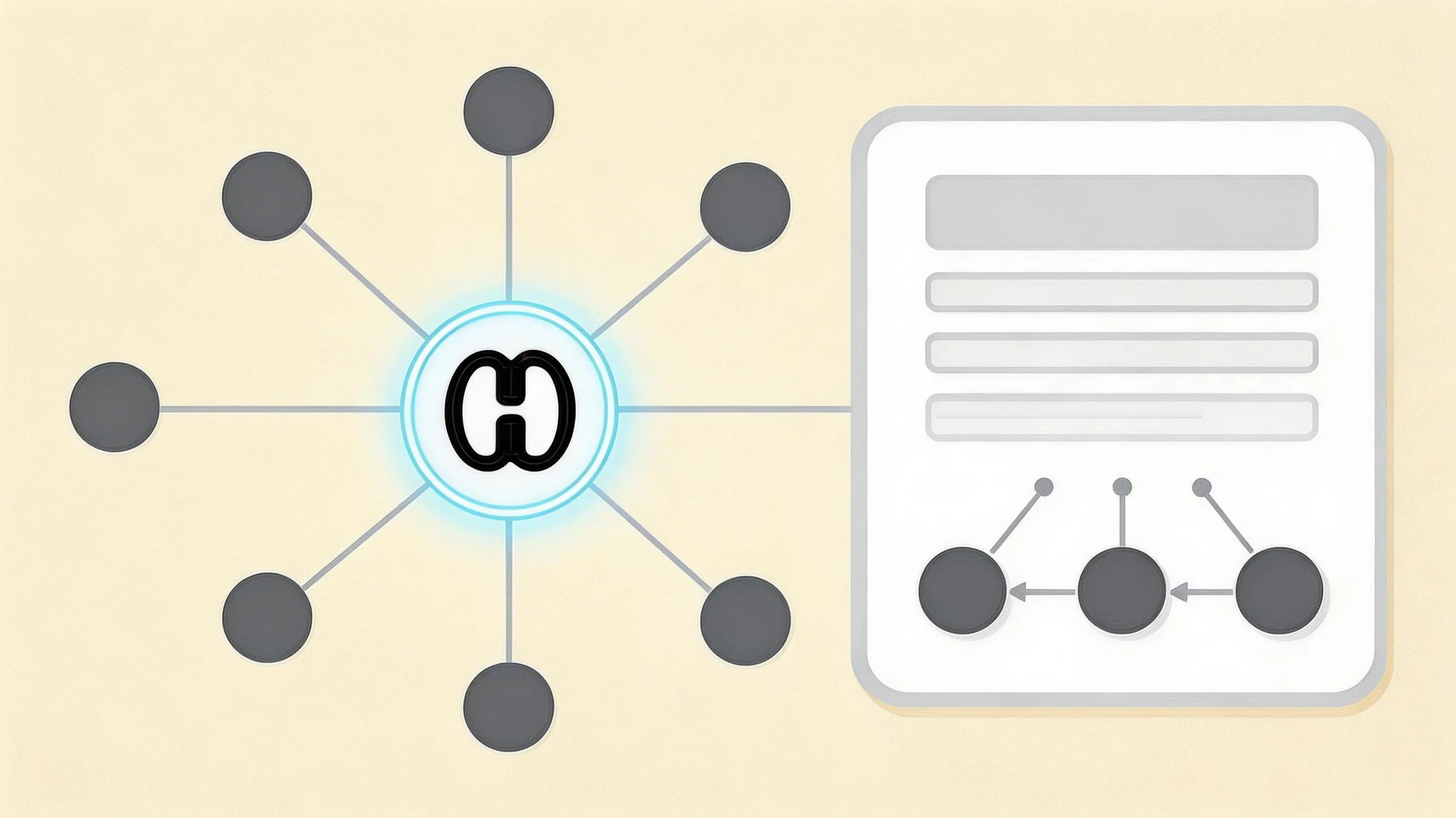
All powered by our central HyNote AI Core Engine.
Frequently Asked Questions
It is super fast. You will see the first slide of your presentation in approximately 5 seconds, followed by a quick export.
Yes, our tool is 100% free. You can convert PDF to presentation slides without paying or creating an account.
Yes. The tool converts PDF to editable PowerPoint (.pptx) files, so you can change text, colors, and layouts freely.
For the best PDF to presentation results, use standard PDFs with selectable text. Scanned images may require OCR first.
No. This is a web-based PDF to presentation converter. It works in your browser on Mac, Windows, and mobile.
HyNote offers the fastest 'Time-to-Slide'. We focus on speed and ease of use for your PDF to presentation tasks.
Security is our priority. Once the PDF to presentation process is done, your file is permanently deleted.