Web Page to Markdown
Extract main content from any web page and instantly convert it to clean, editable Markdown format. Perfect for saving articles, documentation, and web content for offline reading or repurposing.
Extract Web Content
Paste a web page URL to extract and convert to Markdown
Extract Web Content in 2 Simple Steps
Turn any web page into clean, editable content.
Paste Your Web Page URL
Simply copy the link of any web page—be it articles, blog posts, documentation, or news—and paste it into the field above.
Download as Markdown
Our tool instantly extracts the main content and converts it to clean, editable Markdown format. Download and use it anywhere—no formatting mess.
Your Result Is Just the Start
Convert the Webpage to Markdown
You just did this. Paste a webpage URL — get clean markdown text in seconds. Free, no sign-up.
Turn It into Study Material
Take the markdown into HyNote and generate flashcards, quizzes, or FAQs to turn the webpage content into something easier to review and remember.
Find Anything Later · Create Presentations Instantly · Everything in One Place
7-day free trial
Why choose this free webpage to Markdown converter?
Instant Content Extraction
This HTML to Markdown converter extracts clean content from any web page in seconds. Removes ads, sidebars, and navigation automatically.
Clean Markdown Export
Convert directly to Markdown format that preserves headings, lists, links, and formatting. This webpage to Markdown converter creates editable output.
Perfect for Researchers & Writers
Save articles for offline reading, research compilation, and content repurposing. Ideal for Notion, GitHub, blogs, and documentation.
Trusted by Researchers, Writers & Content Creators
"I use this to save research articles for offline reading. The Markdown conversion is perfect for my note-taking system."
— Sarah M., Research Student
"This saved hours of manual copying and formatting when compiling documentation. The extraction is accurate and clean."
— James K., Technical Writer
Related Free AI Tools
Try these free tools powered by HyNote AI.
AI URL Summarizer
Paste any public web page URL and turn it into a concise summary, key points, and useful notes.
Try freeFree AI PDF Summarizer
Upload a PDF and turn it into a clear summary, key points, and structured notes. HyNote helps you understand long documents faster — summarize long PDFs, extract key points, turn PDFs into notes, create quizzes and flashcards, and ask follow-up questions.
Try freeAI Notes Generator
Turn audio, PDFs, videos, and web pages into organized notes. Create notes from your source material, edit the results, and keep everything together in HyNote.
Try freeYouTube Summarizer
Transform long YouTube videos, podcasts, and lectures into concise, actionable summaries in seconds. Watch content 10x faster and boost your productivity.
Try free
Explore the Full HyNote AI Suite
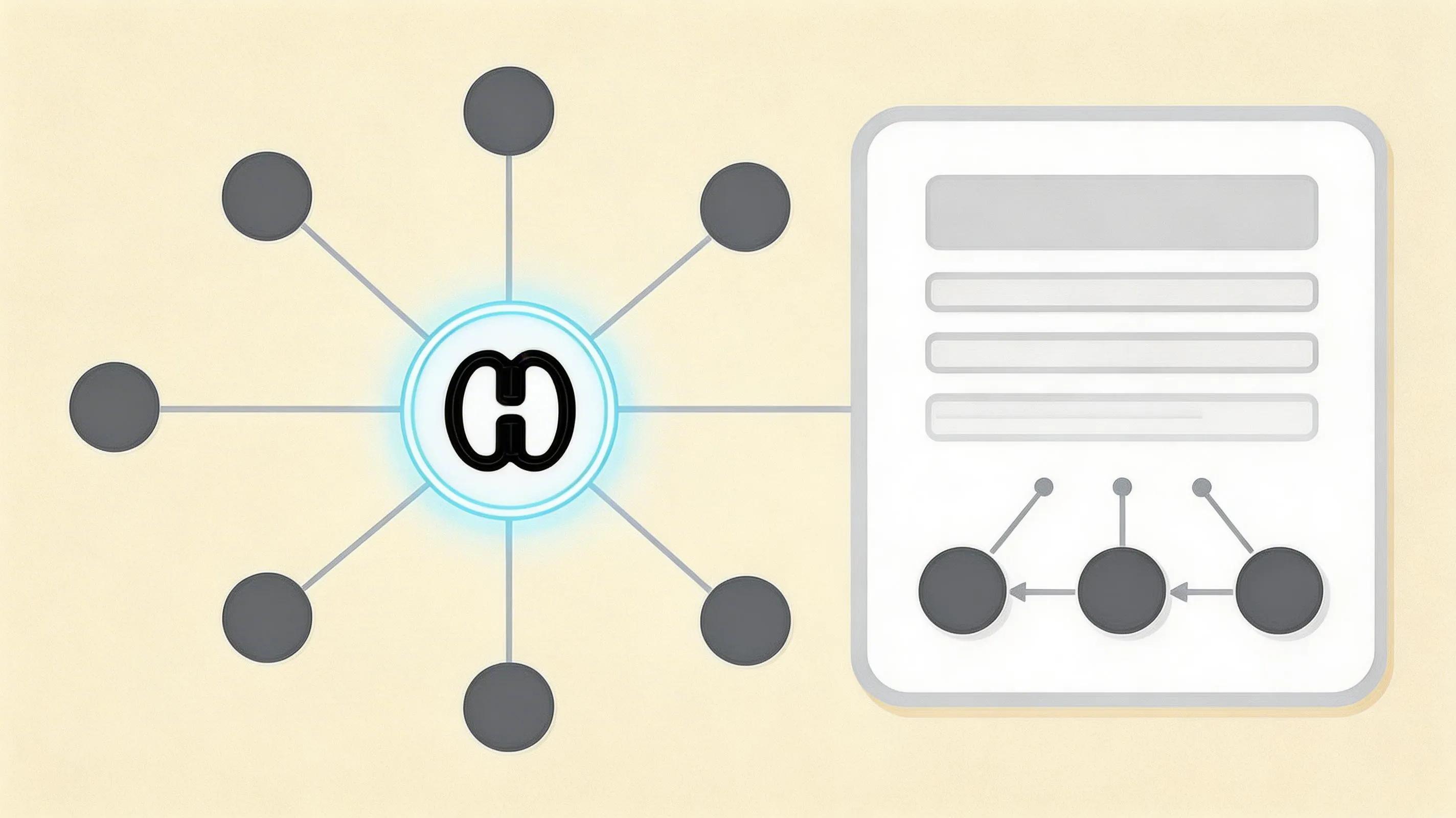
All powered by our central HyNote AI Core Engine.
Frequently Asked Questions
It's an advanced tool by HyNote that lets you paste any web page URL and receive the main content extracted as clean, editable Markdown format.
Our tool uses advanced content extraction algorithms powered by Mozilla's Readability engine. It identifies the main content area and removes clutter like ads, navigation, and sidebars automatically.
Yes! The core functionality for extracting and converting web pages is completely free. No sign-up or registration is required to get started.
It works best with content-rich pages like articles, blog posts, and documentation. Pages with minimal text content may have limited extraction quality.
Absolutely! The extracted Markdown is fully editable. You can modify text, links, formatting, and structure as needed.
Yes! We use end-to-end encryption and automatically delete all files immediately after processing. Your data is never stored or used for training.