
- 7 hrsAverage productive time gained per week
- 95%Accuracy for voice commands (internal benchmarks)
- 4.8★Average rating from accessibility users
Key Features for On-the-Go & Accessibility Users
How On-the-Go & Accessibility Users Use HyNote
Commute Learning
Turn your daily commute into productive learning time. Listen to lecture recordings, research papers, or meeting notes on the train or bus. Adjust playback speed to absorb information faster.
- Audio Overview
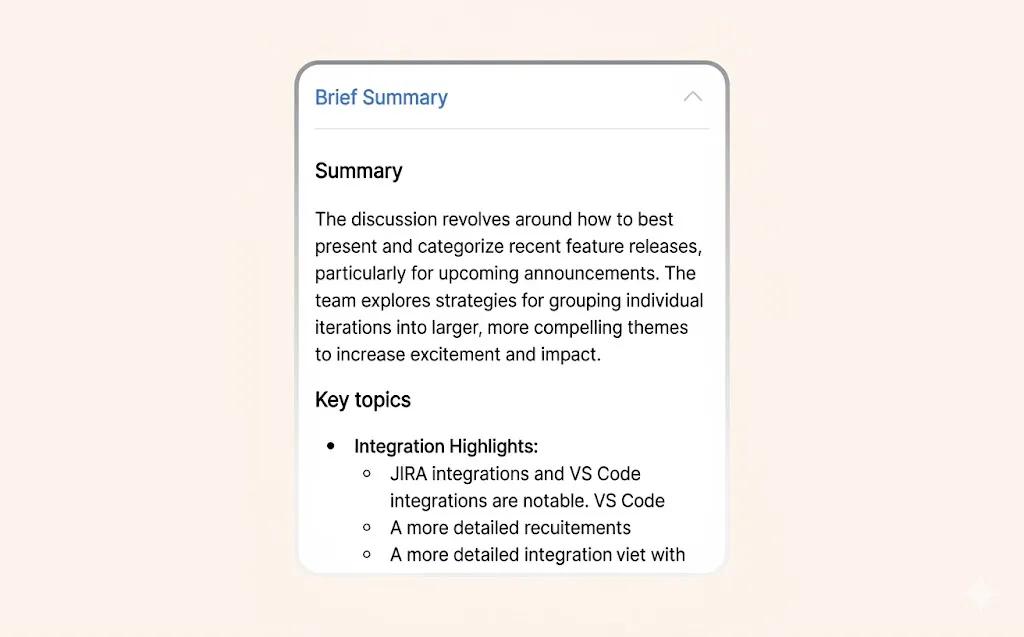
- Smart Summaries
- Sync Everywhere
1 hrextra hour of learning time per day
Fitness Journaling
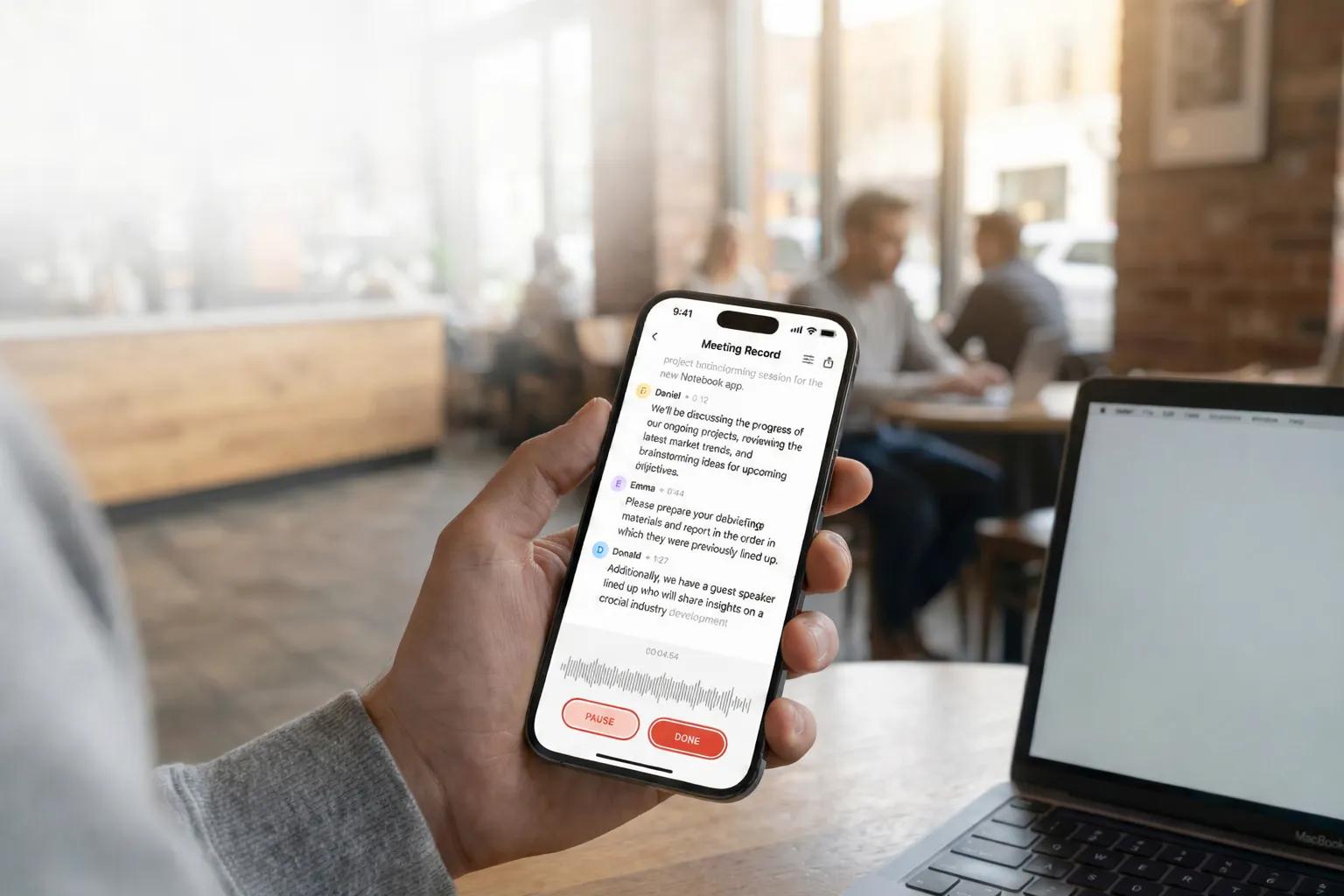
Dictate workout logs, track sets and reps, and record training notes while running or exercising. Voice-to-notes captures everything without breaking your flow, so you never lose track of progress.
- Voice to Notes
- Sync Everywhere
- Smart Summaries
3xmore likely to stick to fitness plans
Voice Memos on the Move
Never lose a fleeting idea again. Capture thoughts while walking the dog, driving to work, or doing chores. Hands-free voice recording keeps your hands on the wheel and your eyes on the road.
- Voice to Notes
- Audio Overview
- Sync Everywhere
5xmore ideas captured compared to typing
Accessibility Support
Full voice control for users with visual impairments or motor difficulties. Create, search, and listen to notes entirely by voice. Screen reader compatible with audio output for independent access to all your content.
- Audio Overview
- Voice to Notes
- Chat with Your Notes
100%independent access to information
Multitasking Productivity
Make the most of hands-free time. Listen to meeting notes, study materials, or research summaries while cooking, cleaning, or exercising. Speed up playback to 1.5x or 2x to get through content faster.
- Audio Overview
- Smart Summaries
- Sync Everywhere
5 hrsextra hours of productive time per week
Travel Documentation
Document travel observations and experiences hands-free. Record voice notes about sights, food, and discoveries while exploring. Photos and voice memos are automatically organized by date for easy review.
- Voice to Notes
- Sync Everywhere
- Smart Summaries
90%travel journal completion rate
What On-the-Go Users Say
“I have a 45-minute commute each way. I used to just listen to music. Now I 'read' my work documents, catch up on industry news, and review meeting notes. It's like getting 7 extra hours in my week.”
David Park
Sales Director
“As someone with low vision, traditional note-taking apps never worked for me. This app is fully voice-controlled. I can create, search, and listen to my notes without ever touching the screen. It's life-changing.”
Emma Thompson
Retired Teacher
“I'm a mom of three with zero free time. I dictate grocery lists while packing lunches, capture podcast ideas while folding laundry, and review my day's notes while walking the dog. It fits into my chaotic life perfectly.”
Lisa Chen
Part-time Podcaster
Frequently Asked Questions
HyNote lets you capture ideas, record voice memos, and listen to your notes without ever touching a keyboard. It's designed for people who are commuting, exercising, multitasking, or have accessibility needs.
HyNote's AI is trained on diverse accents and speech patterns and adapts to your voice over time. You can also train it with voice samples to improve accuracy further.
Yes, HyNote supports hands-free operation so you can use voice commands to start and stop recording and navigate the app. Mounting your phone and using Bluetooth is recommended for safety.
Yes, HyNote's Audio Overview feature lets you listen to any note or document with natural-sounding voices at speeds from 0.5x to 2x. It's ideal for reviewing meeting highlights or study materials on the go.
HyNote offers full voice control, screen reader compatibility, and audio output, giving visually impaired users 100% independent access to their information.
Voice recording is optimized for battery efficiency, with a 30-minute recording using less than 5% battery. Audio playback is even more efficient.
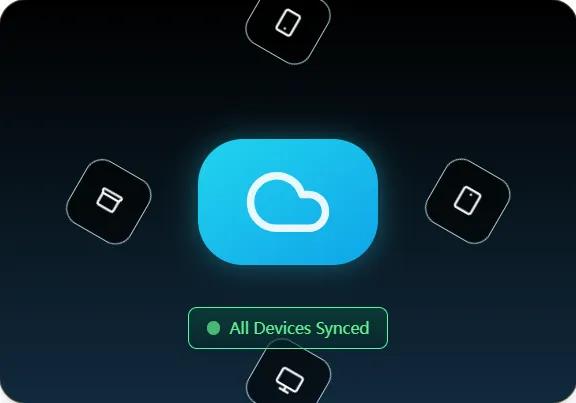
Yes, HyNote syncs seamlessly between your phone, tablet, and computer so your notes are always accessible wherever you are.
On-the-go users report gaining an average of 7 extra productive hours per week by listening to documents, reviewing notes, and capturing ideas during time that would otherwise go unused.
HyNote is a top-rated AI voice memo app that converts voice recordings to written notes automatically. It features offline recording, multi-device sync, and hands-free operation — ideal for commuters, travelers, and anyone who needs to capture ideas without typing.
Yes. HyNote's voice-to-notes feature converts your voice recordings into searchable, editable text with 99%+ accuracy. Record a voice memo while walking or driving, and HyNote transcribes and organizes it automatically for you.