Import Anything
Bring content from anywhere into your knowledge base. YouTube videos, PDFs, web articles — all in one place.
Why Import Anything
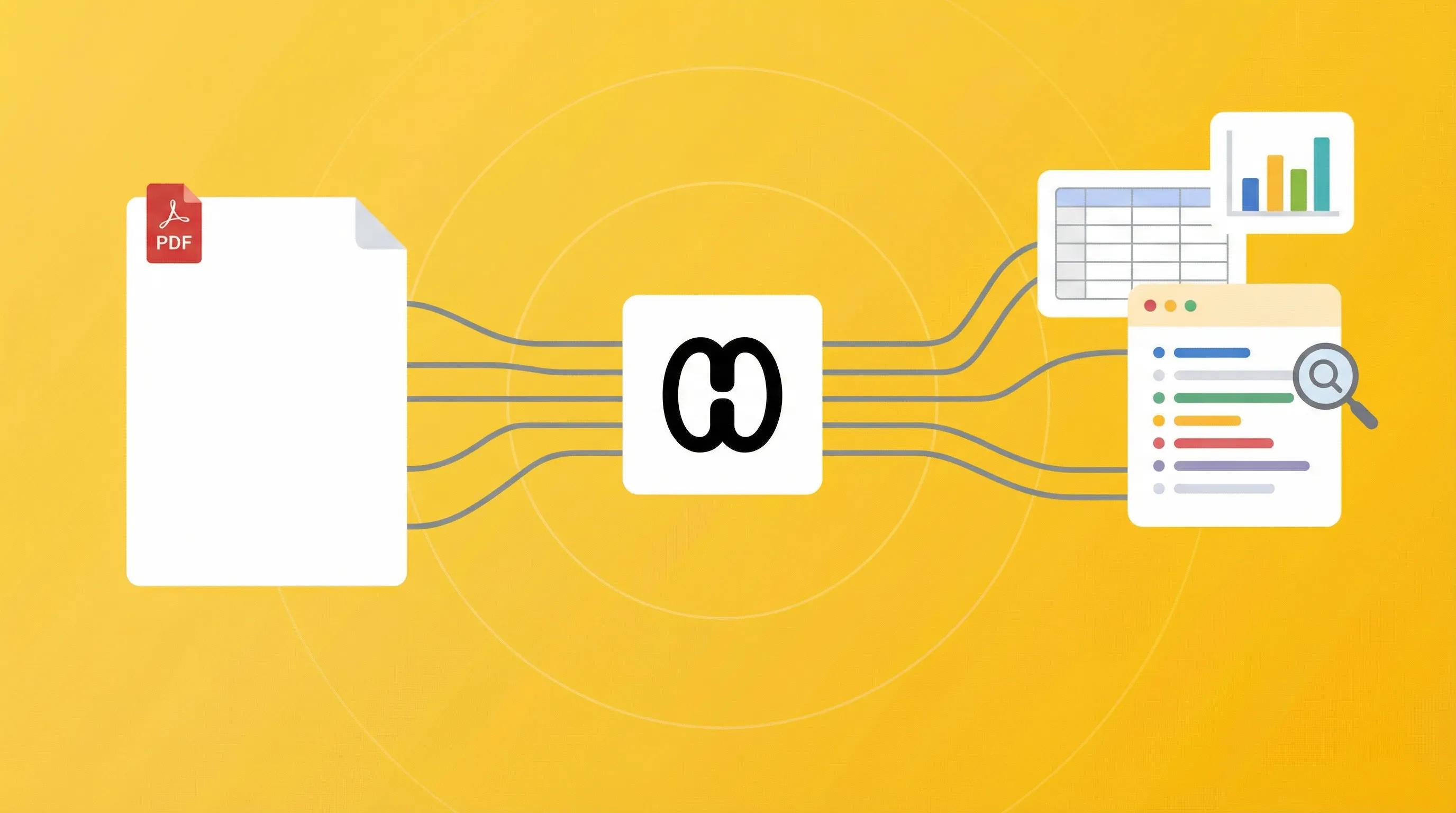
Documents to Notes
Upload PDFs and chat with them like any other note. Extract key findings, summarize sections, and find information instantly without scrolling through pages.
Videos to Notes
Paste any YouTube URL and get instant transcripts, summaries, and key insights. No more manual note-taking while watching tutorials or lectures.

Calls to Notes
Record phone calls and get transcripts automatically. Perfect for interviews, client calls, and important conversations. Review key points and decisions without relying on memory.
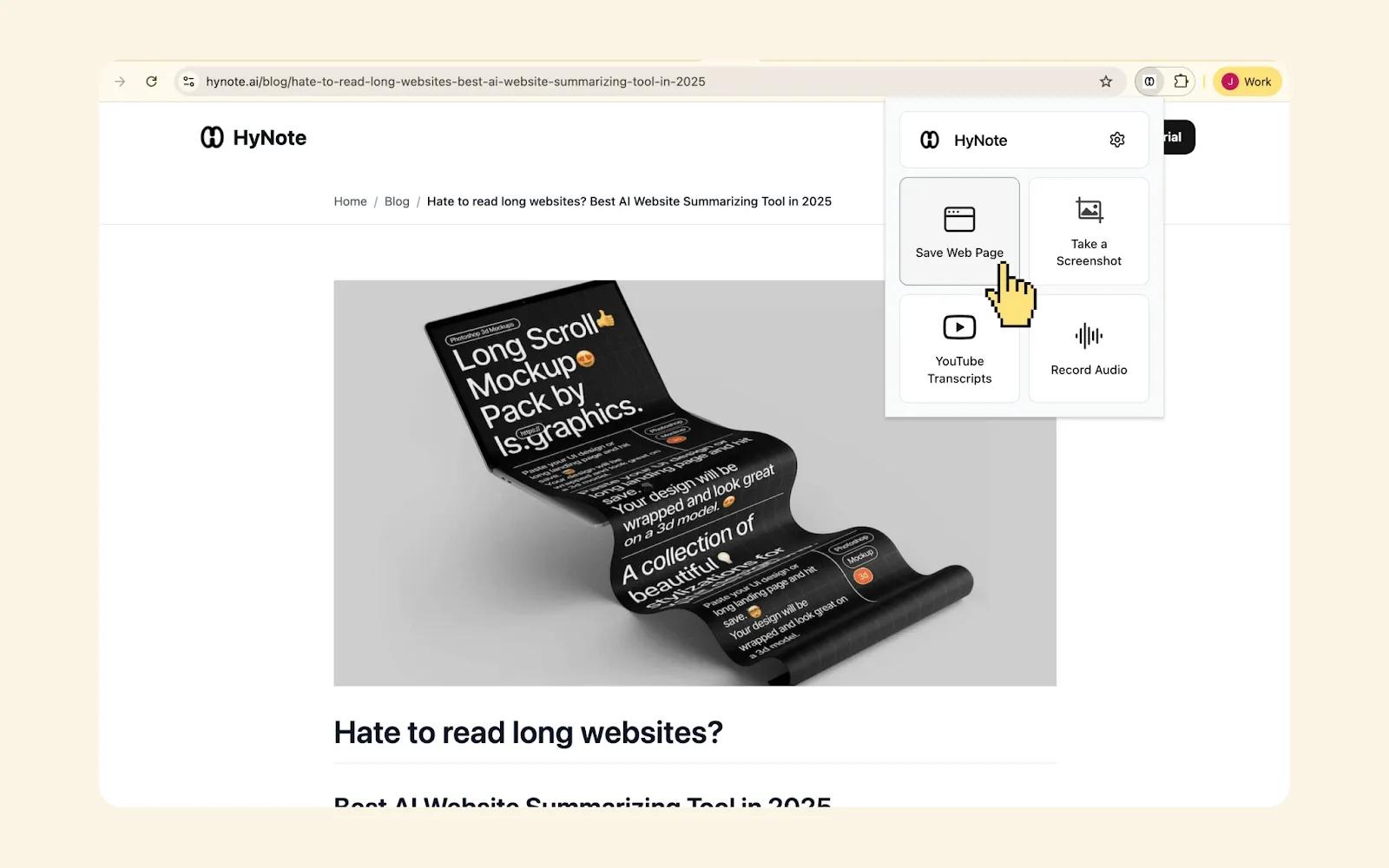
Web to Notes
Save articles directly from your browser with one click. HyNote removes ads and clutter, keeping only the content that matters. Your research library, automatically organized.
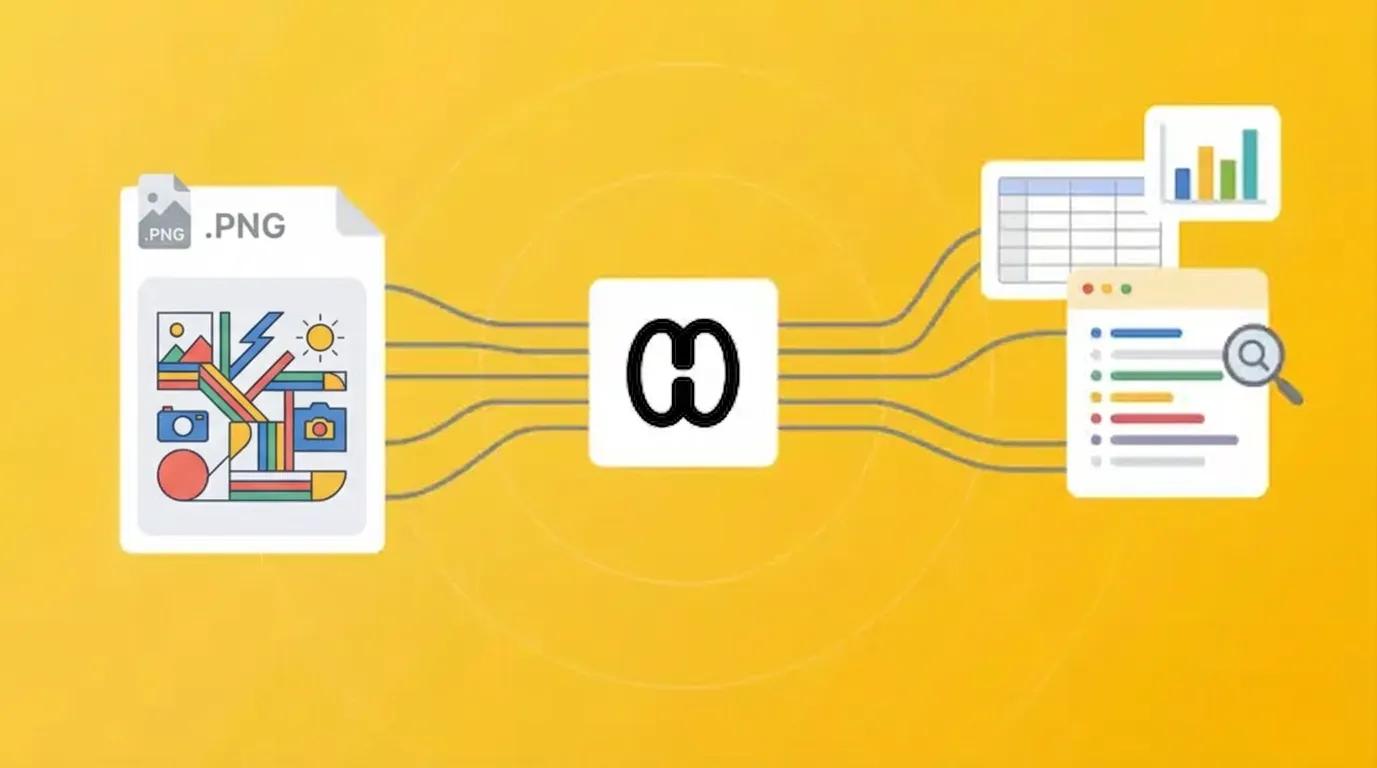
Images to Notes
Upload pictures of whiteboards, slides, or handwritten notes. HyNote's OCR extracts text and converts them into editable, searchable notes. Never lose ideas from a meeting or class again.

Text to Notes
Quickly capture ideas, meeting notes, or copy-pasted content. HyNote structures and connects your text with your existing knowledge base, making everything searchable and actionable.
How It Works
- 1
Import Anything
Paste a link, upload a file, record a call, or type directly. HyNote accepts videos, documents, images, web pages, calls, and plain text.
- 2
AI Processing
HyNote extracts content, generates summaries, identifies key points, and creates structured notes automatically.
- 3
Start Using
Chat with your imported content, search across everything, and connect insights to build your second brain.
Perfect For
Students
Import all your study materials in one place. Create searchable study guides without manual transcription.
Professionals
Record calls, clip articles, and upload documents. Everything organized and queryable.
Content Creators
Transcribe recordings, clip references, and build your content library effortlessly.
Frequently Asked Questions
YouTube videos, PDFs, Word documents, web articles via Chrome extension, images (with OCR), phone call recordings, and plain text. Free users get 10 imports per month; premium is unlimited.
Yes. HyNote can record and transcribe phone calls, making it perfect for interviews, client calls, and important conversations. Check local laws regarding call recording.
HyNote's OCR works best with printed text. Clear handwriting is supported but accuracy varies. Whiteboards, slides, and documents work great.
95%+ accuracy for clear audio. HyNote generates searchable transcripts, summaries, and lets you chat with video content.
Yes. Batch upload files or paste multiple links. HyNote processes them in parallel and organizes everything in your knowledge base.
Our AI note taker is trusted by over 1M+ professionals and students worldwide.