One-Click Export
Stop copy-pasting between apps. One-Click Export transforms your research
Why One-Click Export?
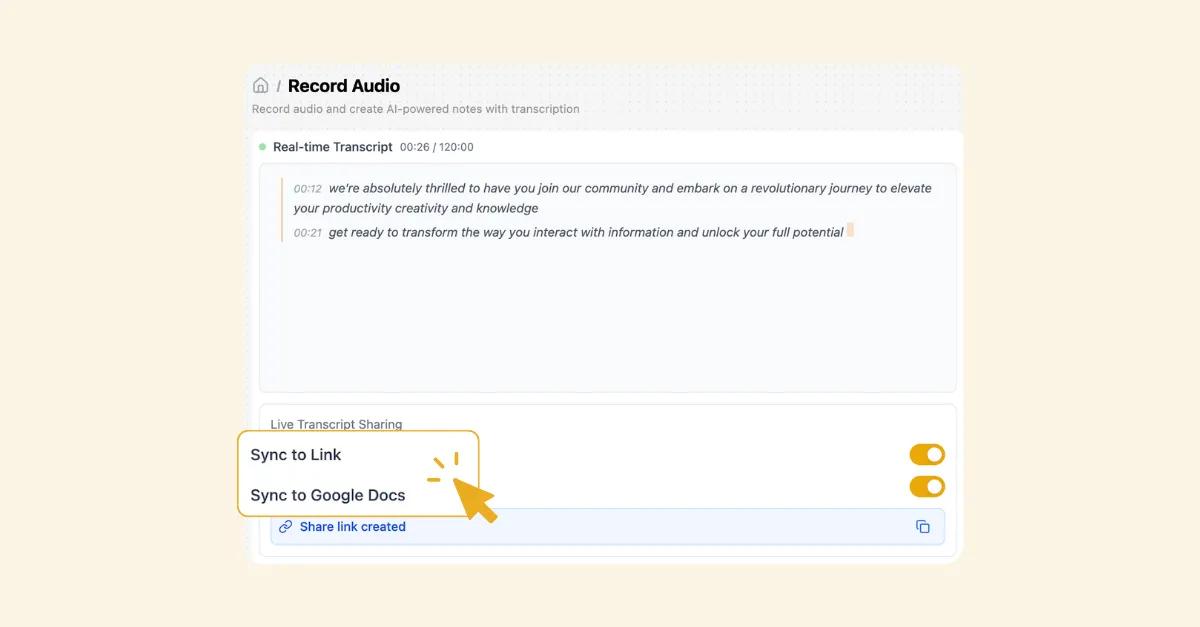
Multi-Format Export
Export your notes to any format your workflow demands—PDF for sharing, Word for collaboration, PowerPoint for presentations, Markdown for developers, HTML for web publishing, or plain text for maximum compatibility. Each format is optimized for its use case with proper formatting, margins, and styling intact.
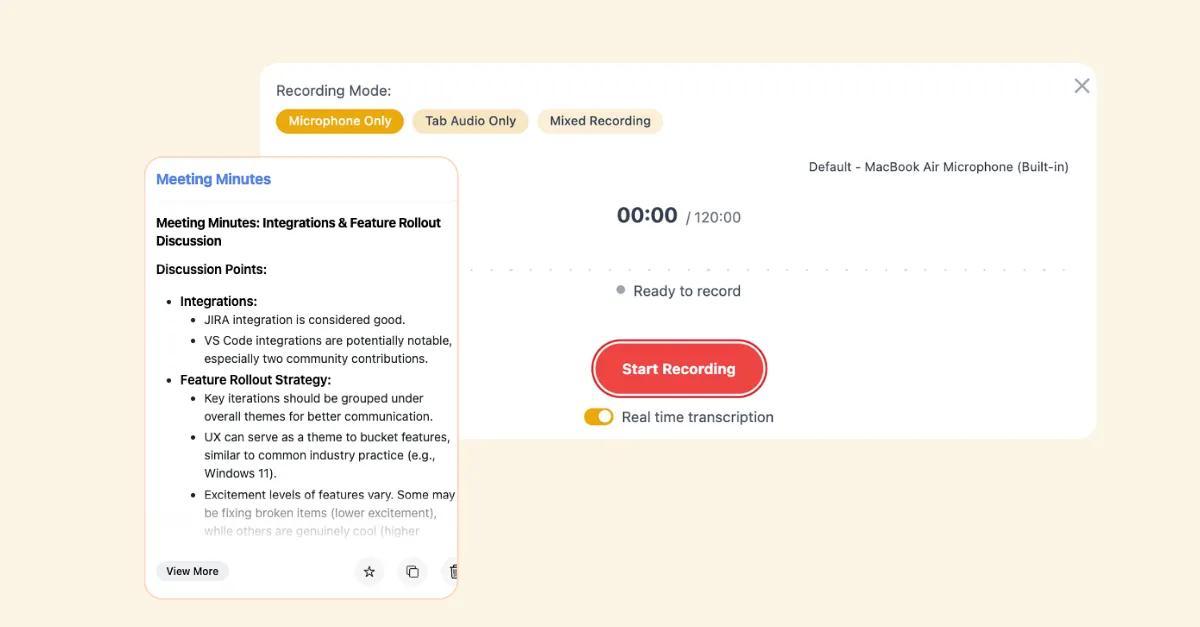
Professional Templates
Choose from 50+ professionally designed templates that transform raw notes into polished documents instantly. Executive summaries, project proposals, meeting minutes, research reports—each template includes proper structure, cover pages, and professional typography. Apply your company branding automatically.

Zero Formatting Hassle
AI analyzes your note structure and intelligently organizes content for maximum impact. Bullet points become executive summaries. Meeting notes become action-oriented minutes. Research becomes properly cited reports. No manual formatting required.
How It Works
- 1
Select Your Notes
Choose any note, folder, or collection in HyNote. Select a single meeting summary or an entire project folder—batch export handles any volume.
- 2
Choose Format & Template
Pick your export format (PDF, Word, PowerPoint, etc.) and select from professional templates. Apply your brand kit for consistent, on-brand output.
- 3
Download & Share
Your professionally formatted document generates in seconds. Download, share via link, or send directly to stakeholders. Update anytime—exports reflect your latest notes.
Perfect For
Product Managers
Turn user research notes into executive summaries for leadership. Export feature specs as professional PDFs for engineering teams. Create presentation decks from product requirements in one click.
Consultants & Advisors
Transform client meeting notes into polished deliverables. Export project documentation with consistent branding. Create proposal templates that win new business.
Researchers & Academics
Export literature reviews with proper citations. Generate research reports in APA, MLA, or Chicago format. Create presentation slides from findings for conferences.
Marketing Teams
Turn campaign notes into client-ready reports. Export content calendars as shareable documents. Create case studies from project notes with professional formatting.
How is HyNote different from others?
Export from YOUR Knowledge Base
Unlike generic document tools, One-Click Export sources from your actual notes, research, and captures. Every export is grounded in your real work, not blank templates.
Intelligent Content Structuring
AI doesn't just copy-paste—it understands your content. Meeting notes become action items. Research becomes cited reports. Brainstorming becomes structured proposals.
Frequently Asked Questions
Export to PDF (print-ready), Microsoft Word .docx (fully editable), Google Docs (direct integration), PowerPoint .pptx (presentation-ready), Markdown .md, HTML, plain text .txt, and JSON. Presentation exports also include Keynote and Google Slides formats.
Absolutely. Choose from 50+ professional templates or create your own with custom fonts, colors, headers, footers, and branding. Premium users can save multiple templates for different use cases.
Free users can export up to 10 documents per month. Premium plans offer unlimited exports with no file size limits, access to all professional templates, custom branding, and batch export capabilities.
Yes, batch export entire folders or selected collections. Perfect for compiling research, creating project documentation, or archiving completed work. Each note becomes a section with automatic table of contents.
Yes. One-Click Export automatically generates bibliographies and citations in APA, MLA, Chicago, Harvard, or custom styles. Source links from imported content are preserved as clickable references.
Absolutely. One-Click Presentation Mode transforms your notes into slide-ready PowerPoint, Google Slides, or Keynote presentations with suggested layouts, speaker notes, and visual recommendations.
Our AI note taker is trusted by over 1M+ professionals and students worldwide.