AI Action Tracker— Turn Meeting Decisions into Assigned Tasks with Deadlines
Extract tasks, owners, and deadlines from meetings and documents —AI distinguishes real commitments from casual conversation and builds a structured action plan.
Extract tasks, owners, and deadlines from meetings and documents and get a structured action plan — AI distinguishes real commitments from casual conversation automatically.
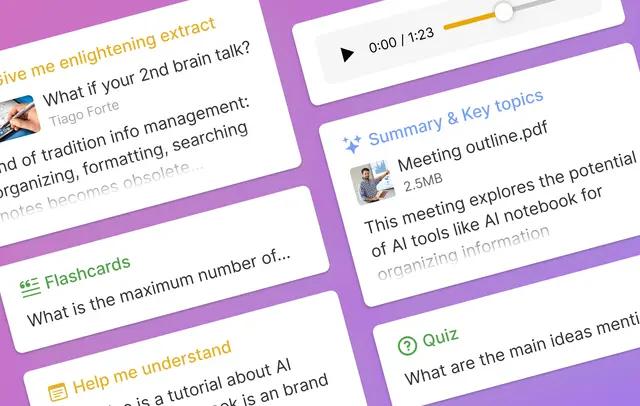
From Conversation to Action Plan in One Step
Record a meeting, upload a transcript, or snap a photo of a whiteboard — HyNote's advanced AI reads across all formats to find tasks, assign them to the right people, and attach deadlines. It distinguishes "I'll send the report by Friday" (a commitment) from "we should think about reporting" (a passing thought), so your action plan contains only what actually needs doing.
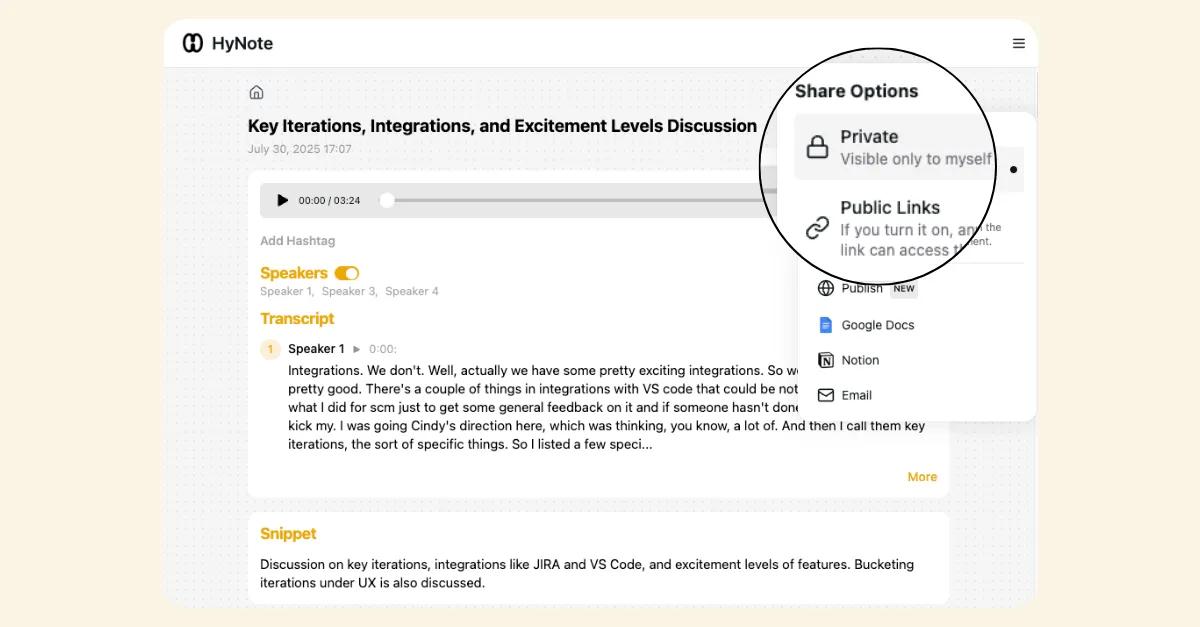
Every Task Has an Owner and a Deadline
Using speaker identification and conversation context, the AI determines who committed to each task — not just what was said, but who said it. Export the structured list directly to Notion or Google Docs so your team's project management tools stay current without anyone doing data entry.
How it works
- 1
Capture the conversation
Record a meeting, upload a transcript, or import a document. HyNote works with audio, video, PDFs, whiteboard photos, and typed notes.
- 2
AI extracts action items
Advanced AI analyzes the content to identify tasks, responsible owners, and deadlines — distinguishing firm commitments from casual mentions.
- 3
Review, track, and export
Review the structured task list with owners and deadlines. Export to Notion or Google Docs, download as PDF or TXT, or keep tracking within HyNote.
What you get
- Task extraction with owner attributionAI identifies who committed to what, automatically attaching owner names to each action item based on conversation context and speaker identification.
- Deadline detectionDates and timeframes mentioned in conversation are captured and attached to the relevant tasks.
- Commitment vs. conversation filteringAI distinguishes between firm commitments ("I'll send that by Friday") and casual discussion ("we should probably look into that") — no phantom tasks.
- Multi-source inputExtract action items from meeting recordings, uploaded transcripts, PDFs, whiteboard photos (via OCR), web pages, and typed notes.
- Export to Notion and Google DocsPush structured action items directly to Notion or Google Docs, or download as PDF or TXT for sharing with your team.
Use cases
- Team meeting follow-upsRecord a stand-up or team sync and get a list of who committed to what, with deadlines — no manual note-taking required.
- Client call accountabilityExtract promised deliverables and deadlines from client conversations, ensuring nothing falls through the cracks between meetings.
- Project kickoff documentationTurn a project kickoff meeting recording into a structured action plan with owners and timelines that the whole team can reference.
- Board meeting resolutionsCapture motions, decisions, and assigned follow-ups from board meetings — structured and searchable for governance records.
- Academic group projectsRecord group meetings and automatically generate a task list with assigned owners and due dates for each team member.
- One-on-one manager check-insTrack action items from weekly one-on-ones without taking notes — stay present in the conversation while AI captures commitments.
How HyNote compares
| Feature | HyNote | Generic Note-Taking Apps |
|---|---|---|
| Task extraction from meetings | Automatic — AI extracts tasks, owners, and deadlines from audio and text | Manual — user must listen and write down action items individually |
| Owner attribution | Automatic — AI identifies who made each commitment using speaker identification | Not available — manual tagging required on most tools |
| Commitment filtering | AI distinguishes firm commitments from casual conversation | Keyword matching only — cannot tell a real task from a passing mention |
| Multi-source input | Audio, video, PDFs, whiteboard photos (OCR), web pages, typed notes | Text-only; manual data entry on most task management tools |
| Bot-free | Yes — record directly from your device, no bot required | Bot required on AI meeting tools (Otter, Fireflies) |
| Export to Notion and Google Docs | Direct push to Notion or Google Docs, plus PDF and TXT download | Copy-paste only on most tools; no direct integration |
| Two-way sync with project tools | Not yet — tasks export to Notion and Google Docs; no two-way sync with Asana, Jira, or Linear | Two-way sync available on dedicated project management platforms (Asana, Jira, Linear) |
Discover Free AI Tools
AI Stand-Up Meeting
Extract and track tasks with owners and deadlines automatically.
Our AI note taker is trusted by over 1M+ professionals and students worldwide.